Tips on Binance Square is a feature that enables users to support their favorite Square creators by sending them cryptocurrency through each Square post/article. Supporters can send tokens by tapping the Tips icon under their preferred Square content, making it easy to back creators driving conversations or simply thank them for engaging content.
To be eligible to receive tips, creators must have a minimum of 1,000 followers on Binance Square.
*Please note that this feature may not be available in your region.
1. Log in to your Binance Square account. You will see the [Give a Tip] icon under each Square post, article, video, or live of creators who have the Tips feature enabled.
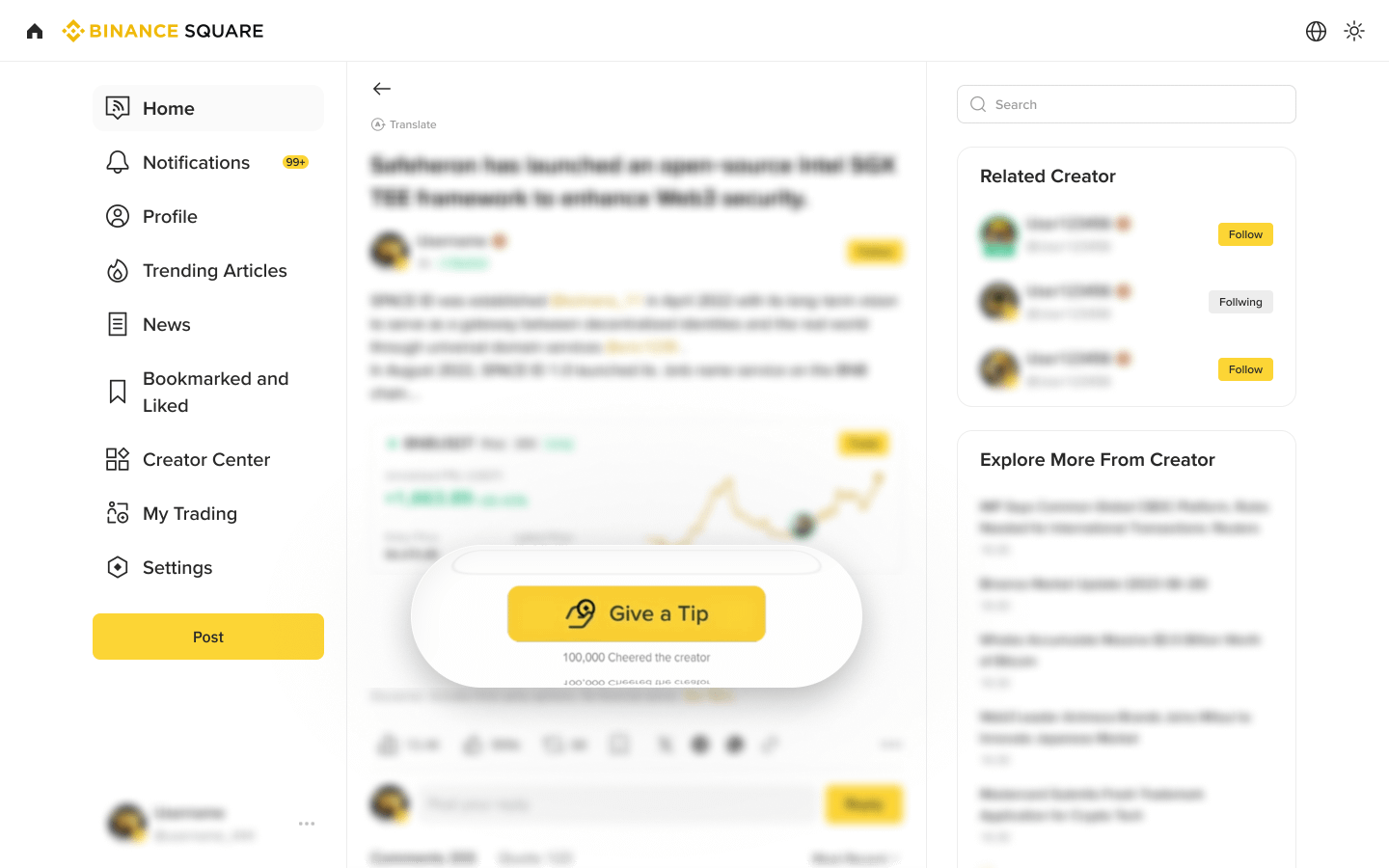
2. On the post you'd like to tip, click the [Give a Tip] button, enter the amount of cryptocurrency you wish to tip, and click [Confirm] to finalize the transaction.
1. Log into your Binance Square account on the app. You'll see a [$] icon under each post, article, video or live of creators who have the Tips feature set up.
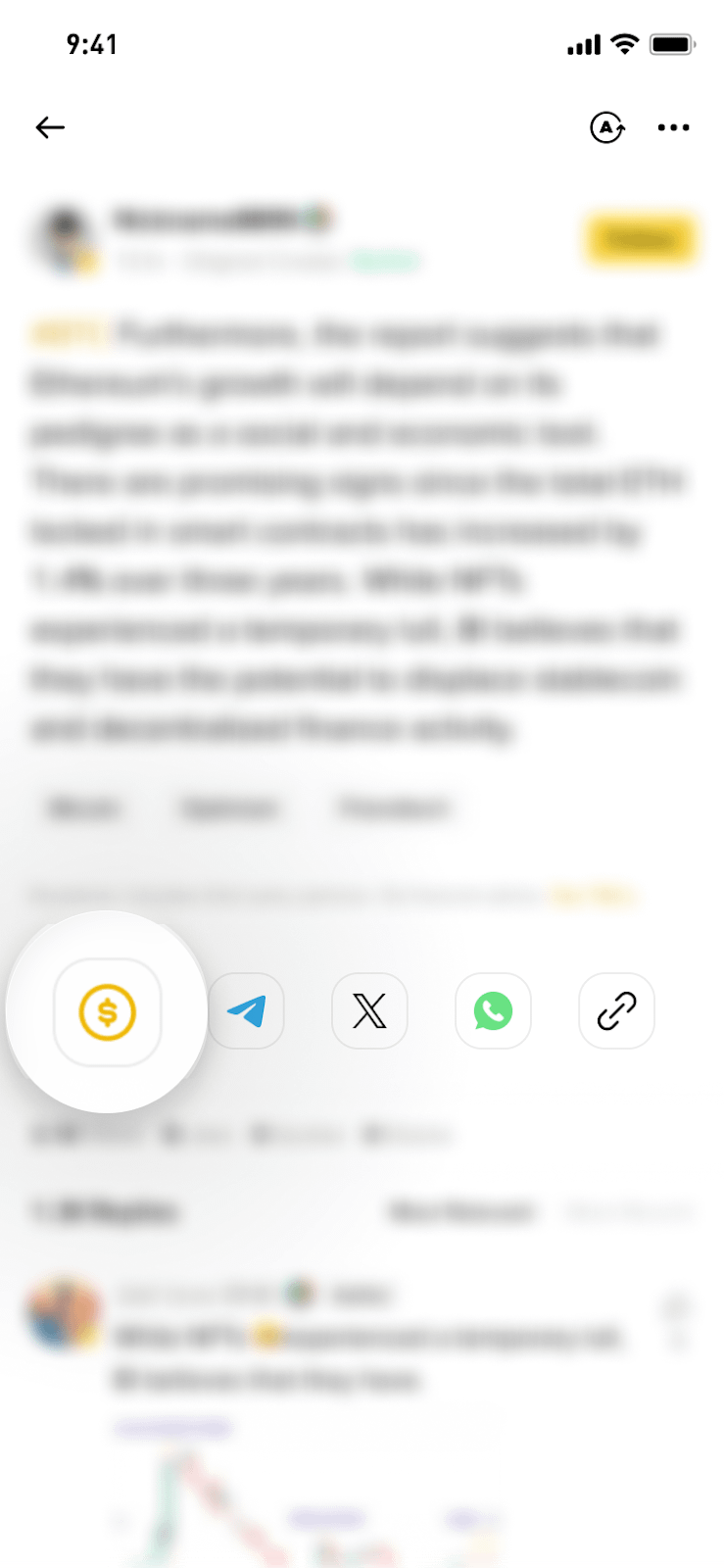
2. Tap the [$] tips icon on the bottom left corner of the post, enter the amount of cryptocurrency you want to tip, then confirm the transaction.
1. As a Square creator, how do I enable the tipping feature?
To be eligible to receive tips, creators must have a minimum of 1,000 followers on Binance Square. Eligible creators will see the tipping feature automatically enabled. If you don’t wish to receive tips, you can turn them off in the settings.
2. What token can I use for tipping?
Tips on Binance Square supports various cryptocurrencies available in your Funding, Spot, and Earn wallets. You can manually select the preferred wallet and token after entering the amount. The minimum tipping amount is 1 dollar-equivalent token, only in integer dollar amounts.
3. If I send a Tip, what percentage will the creator receive?
Creators will receive 100% of the tip. Binance Square will not receive any portion of these payments.
4. Can I get a refund on a Tip?
Tips are considered final transactions; refunds are not available. Please ensure you want to proceed before completing the transaction.
5. Where can I check my tipping record?
Both payers and payees can find their full tip records via [Wallet] - [Funding Wallet] - [History] - [Pay] - [Paid/received].
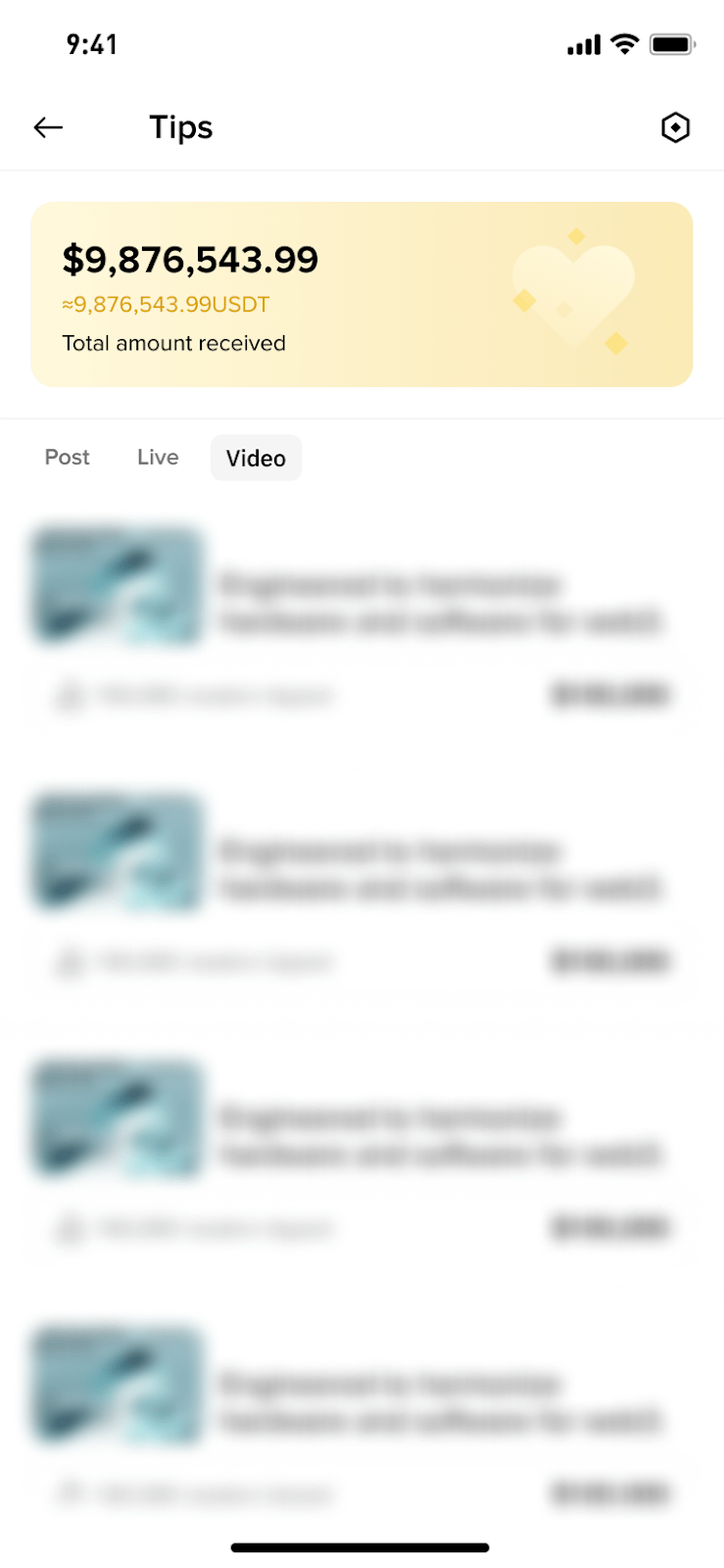
Creators can also find the total tips received, tip per content, and per reader in the Tips section of the Creator Center.
6. What should I do if the tip payment fails?
The token will be refunded to your wallet if the payment fails during the tipping process. You can check the record in your pay wallet history. Please also refer to the notification to try again later.
Support your favorite creators, spread great content, and foster a vibrant crypto community with Binance Square's Tips feature!
