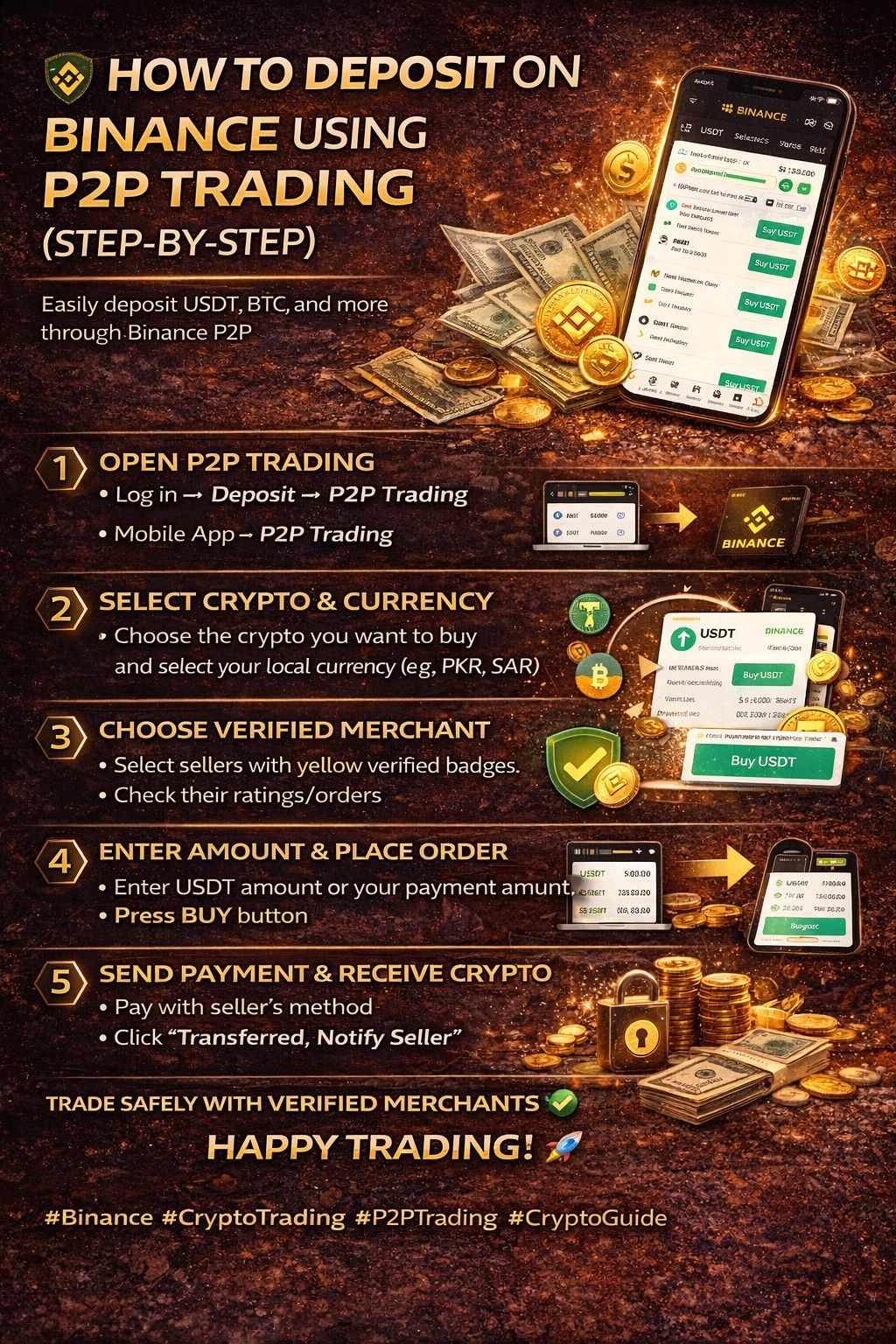
Binance P2P trading is one of the easiest and fastest ways to deposit cryptocurrencies like $USDT , $BTC , $BNB , and more. It allows you to buy crypto directly from other users using your local currency such as PKR, SAR, or others.
Before using P2P trading, make sure you have a fully verified Binance account.
Step 1: Open P2P Trading
On Web Browser:
Log in to your Binance account → Click Deposit → Select P2P Trading.
On Mobile App:
Open the Binance app → Tap the Binance logo on the top right → Find P2P Trading.
If you don’t see it, go to More Services and locate the P2P option.
Step 2: Select Crypto & Currency
Choose the cryptocurrency you want to buy (usually USDT).
Then select the currency you want to pay with, such as PKR, SAR, or any local currency.
You can also use the search option to quickly find your preferred currency.
Step 3: Choose a Verified Merchant
Before pressing the Buy button, always choose a Binance verified merchant.
Verified merchants have a yellow verification tick.
Also check:
• Completion rate
• Number of orders completed in the last 30 days
Higher ratings and more completed orders usually mean safer trading.
Step 4: Enter Amount & Place Order
Enter the amount of USDT you want to buy or the amount of money you want to spend.
You can also see the minimum and maximum limits set by the seller.
Use filters (especially in the mobile app) to find sellers that match your amount.
Press Buy once you find a suitable offer.
Step 5: Send Payment & Receive Crypto
After placing the order, Binance locks the seller’s crypto in escrow, keeping the trade safe.
Send payment using the seller’s preferred payment method.
Then click “Transferred, Notify Seller.”
Once the seller confirms the payment, Binance releases the crypto to your wallet.
That’s it! This is the complete P2P deposit process on Binance.
Use it safely and always trade with verified merchants.
Happy Trading 🚀