You can close your Binance account on the Binance website or app. Please note that account closure is irreversible. Once your account is closed, you won’t be able to access it anymore, but you can download your transaction history data by accessing this tool here.
How to close my account on the Binance app?
1. Log in to your Binance app and go to [Account Center]. Tap the profile section at the top.
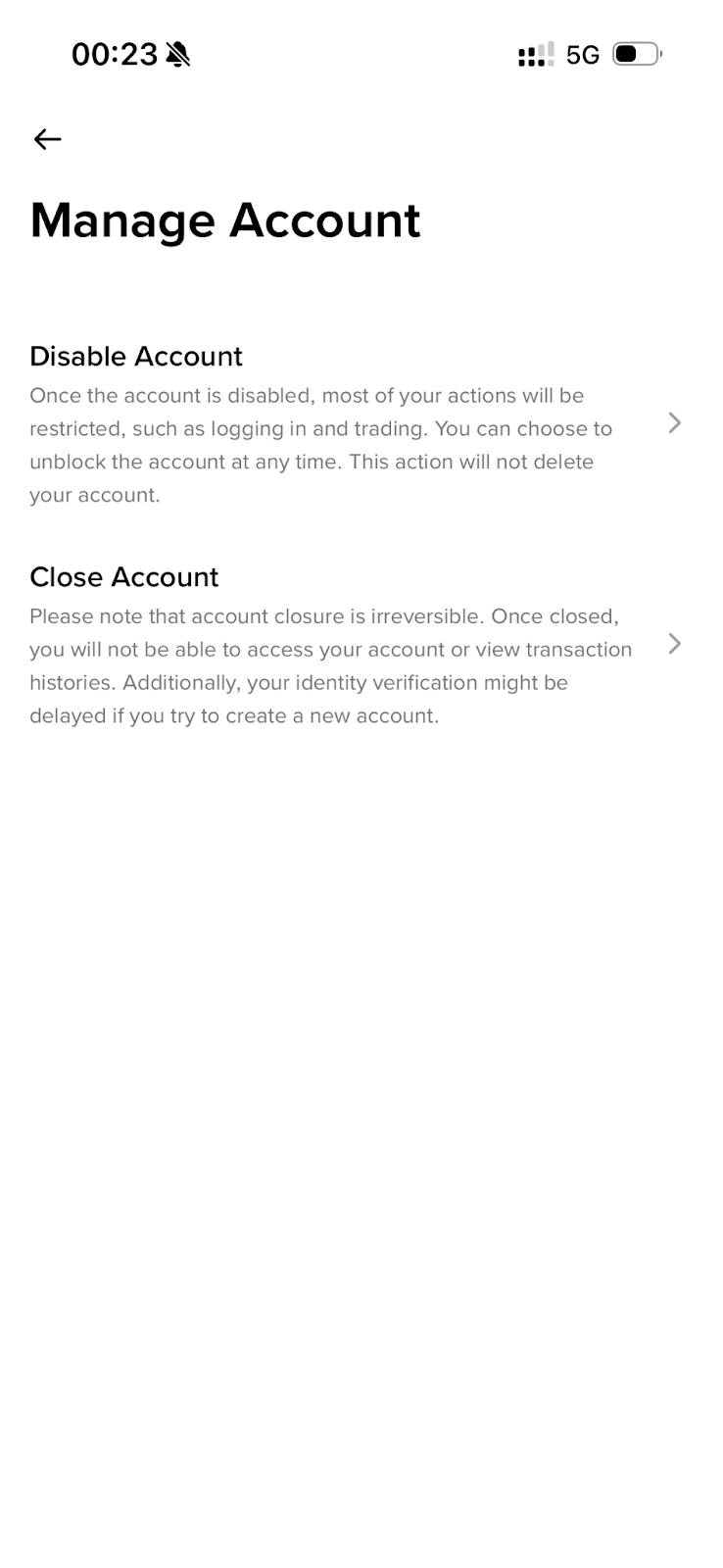
2. Go to [Security]. Scroll down to [Manage Account].
3. Tap [Close Account].
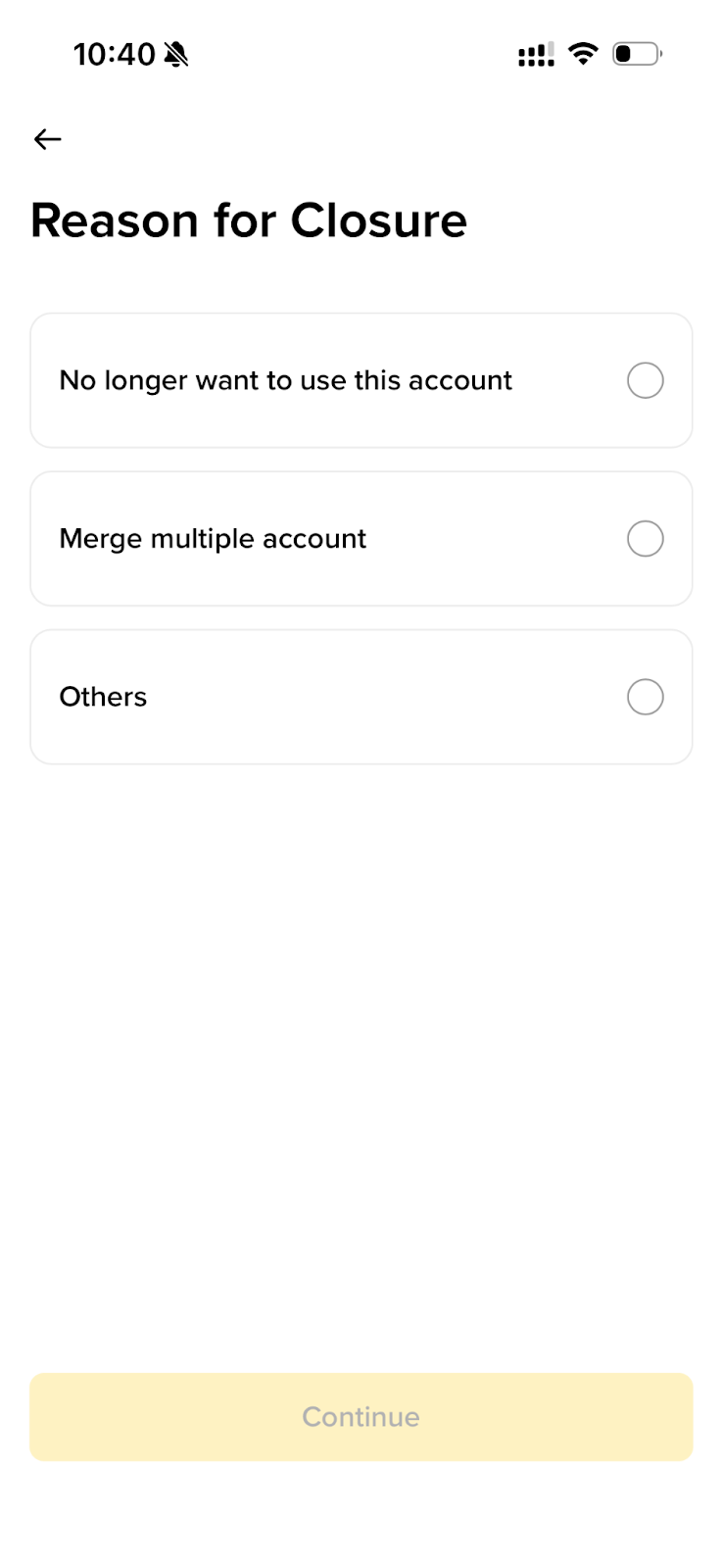
4. Choose a reason for closing the account.
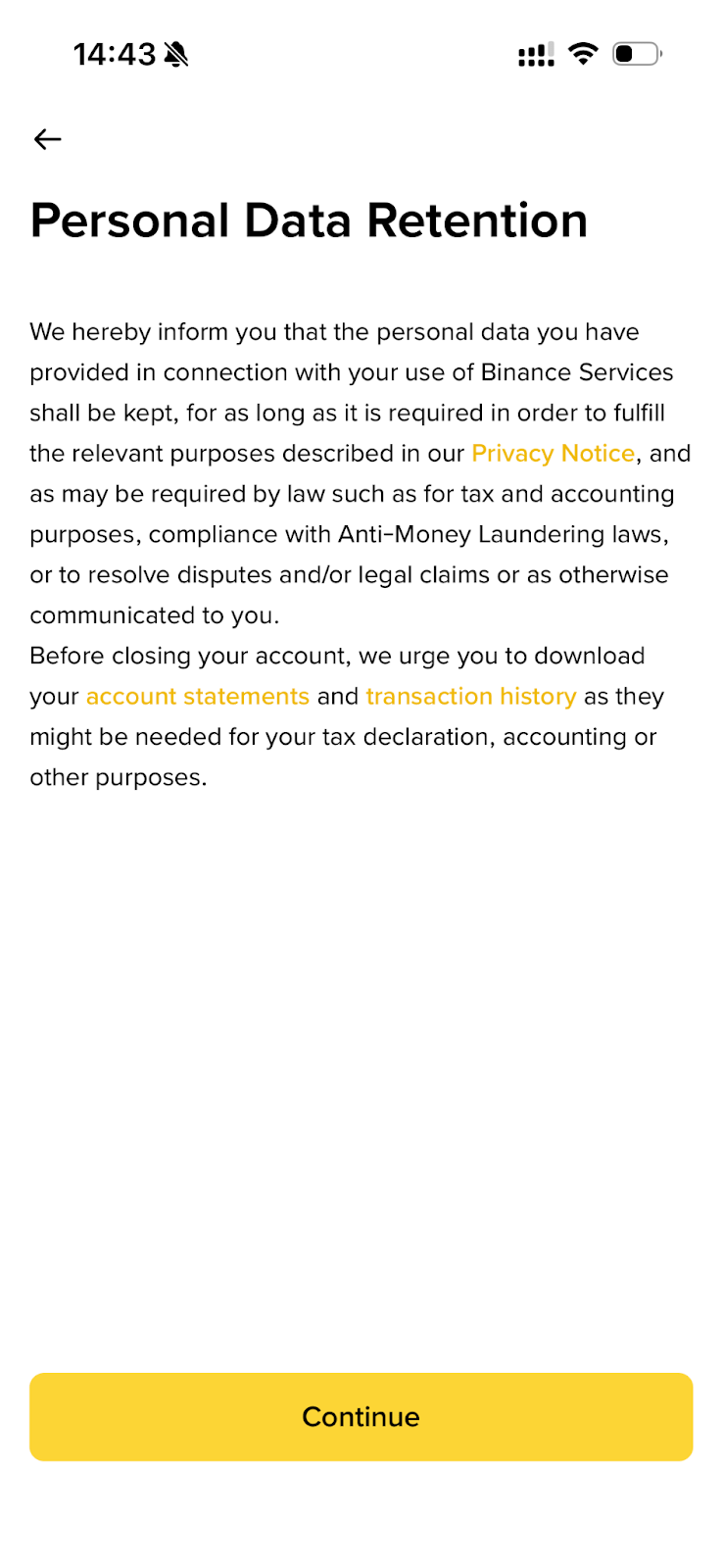
5. Read the terms and conditions carefully and tap [Accept & Continue].
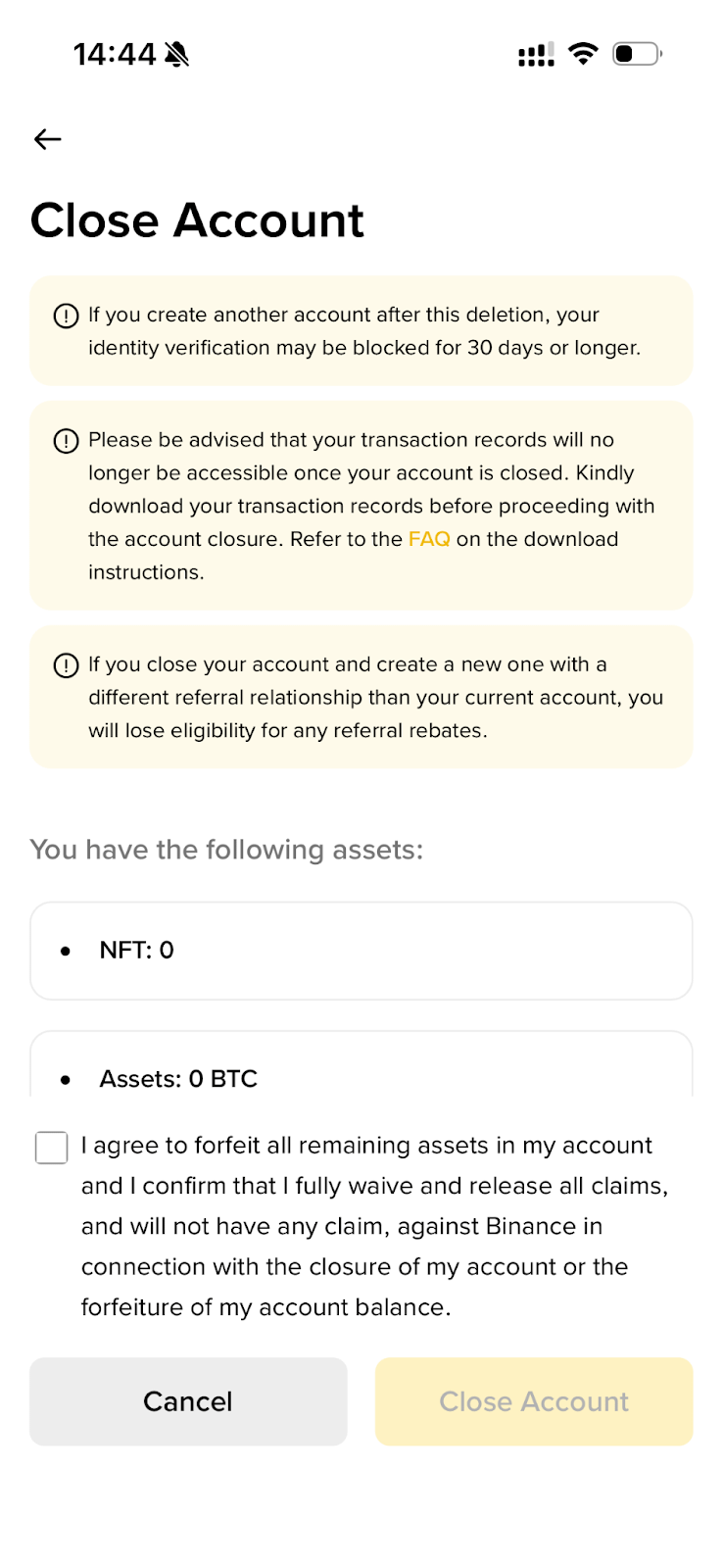
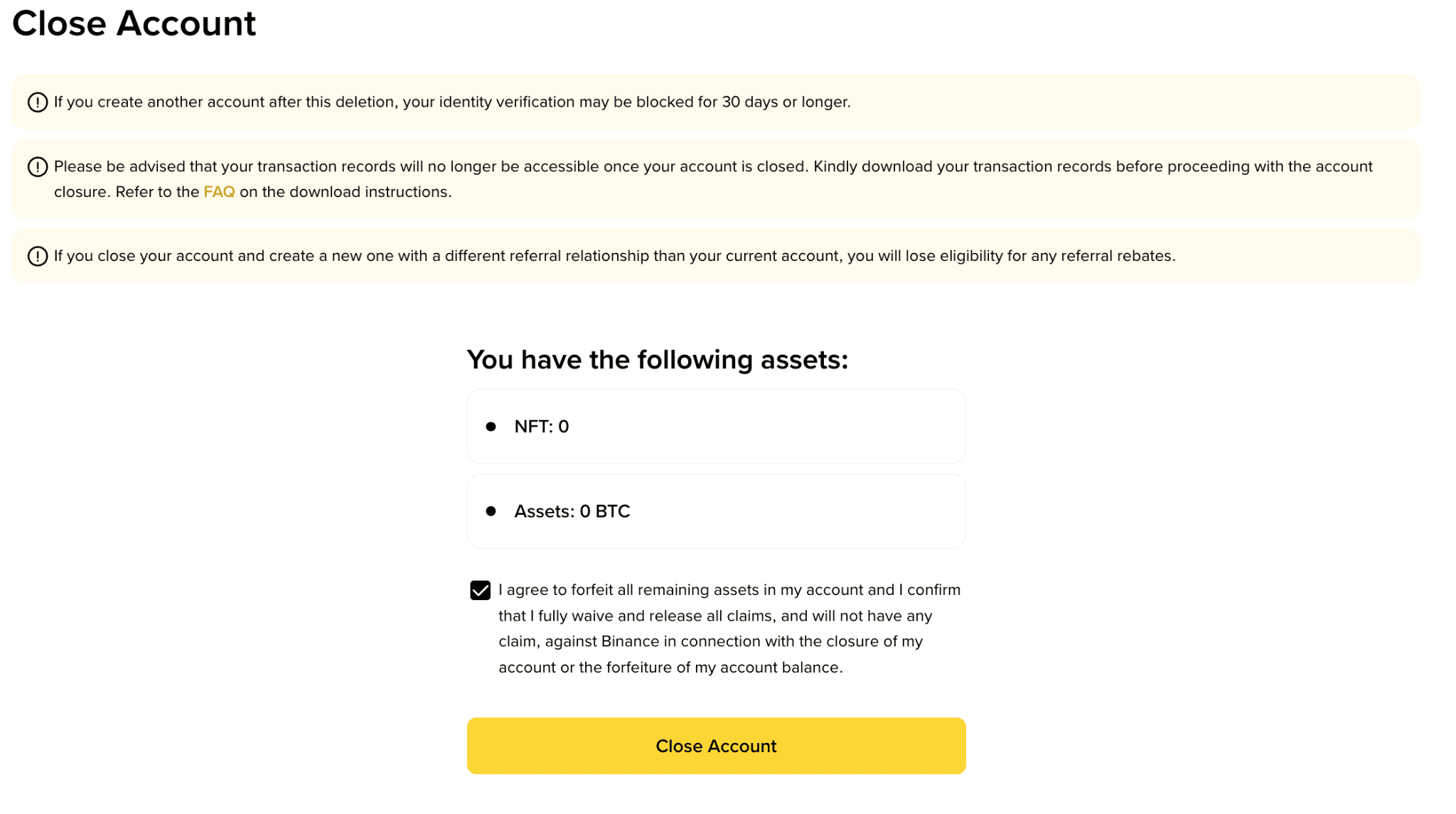
6. If you still have assets in your account, you can tap [Cancel] and transfer your assets to another account first. If you don’t, these assets will be lost and cannot be recovered. Check the box to acknowledge it and tap [Close Account] to proceed.
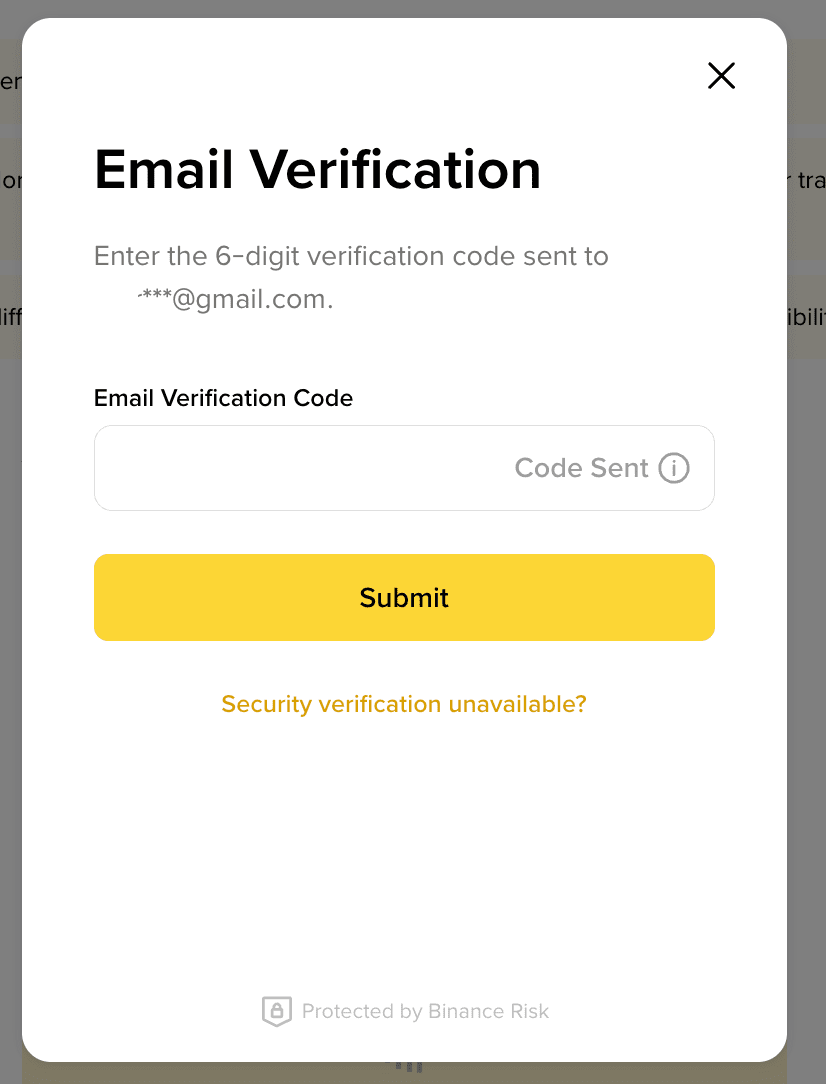
7. Complete security verification.
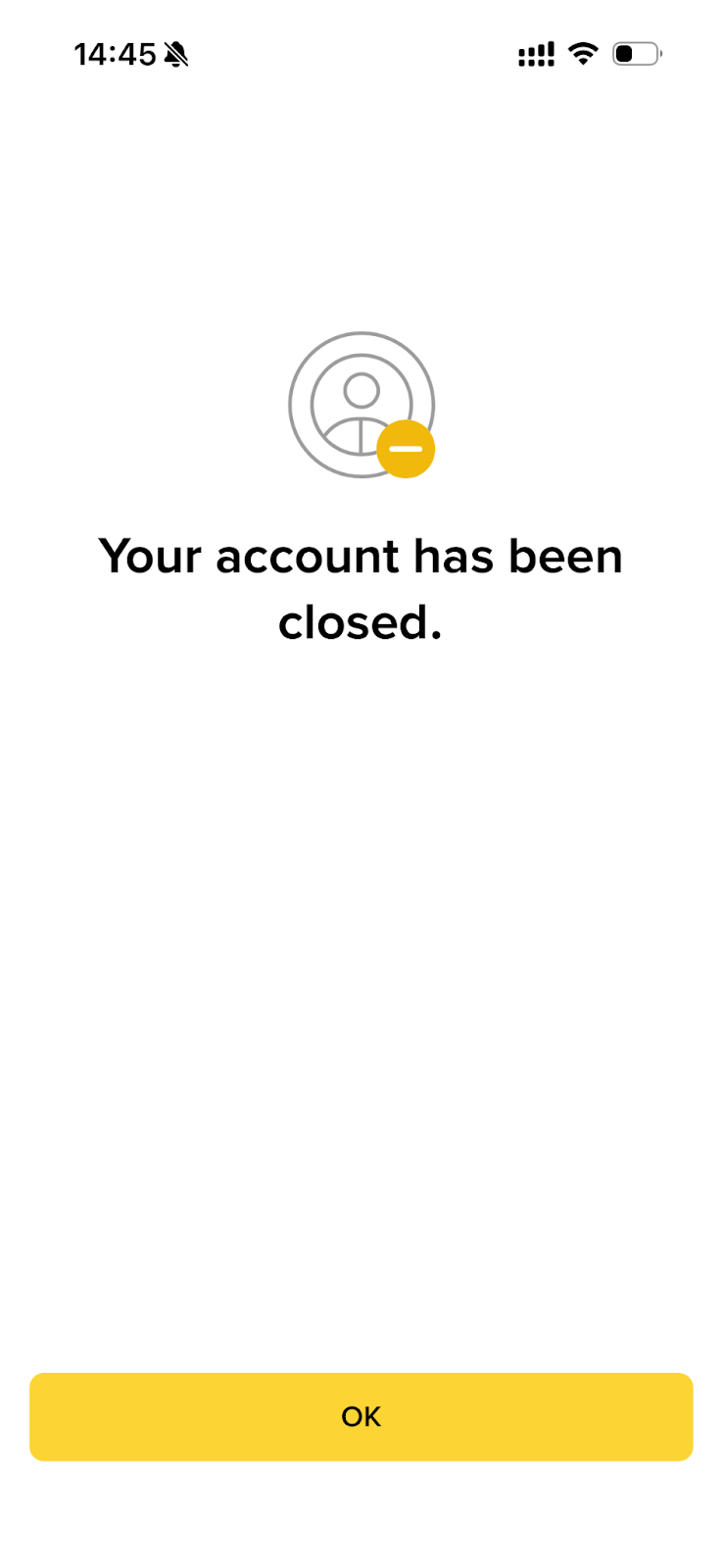
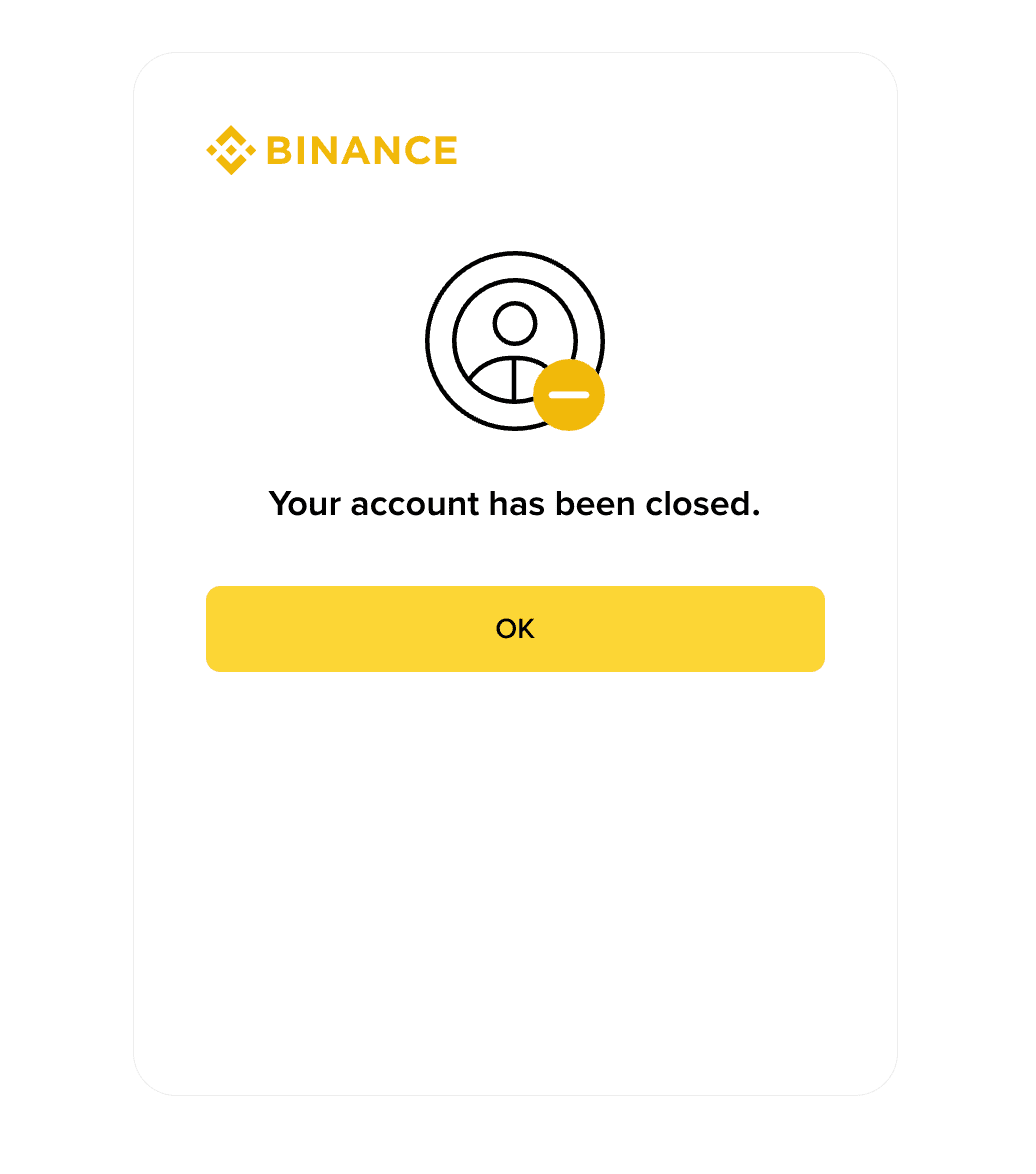
8. Your account has been successfully closed.
Will my personal data be removed alongside my account closure?
While the account can be closed as requested, please be informed that Binance is legally obliged to retain certain sets of your personal data for such a period of time after your account closure as may be (i) required by the applicable laws, such as Anti-Money Laundering and Counter-Terrorism Financing Laws, or (ii) necessary for the exercise of our rights in disputes or claims in relation to any future litigation. Your personal data will be removed as soon as the mandatory retention period stipulated under the applicable laws expire.
You can close your Binance account on the Binance website or app. Please note that account closure is irreversible. Once your account is closed, you won’t be able to access it anymore, but you can download your transaction history data by accessing this tool here.
How to close my account on the Binance website?
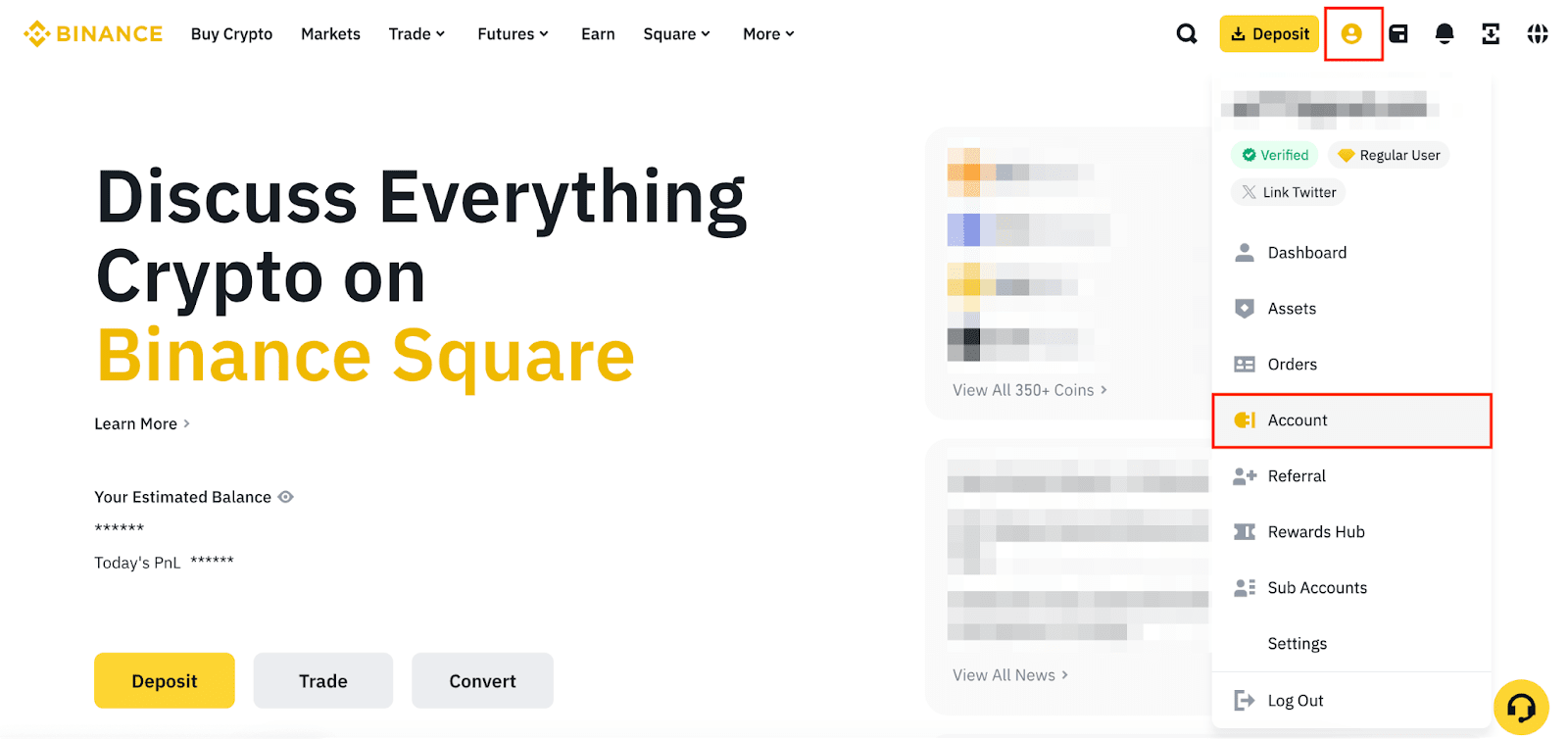
1. Log in to your Binance account and hover over the [Profile] icon. Go to [Account].
2. Click [Security] on the left.
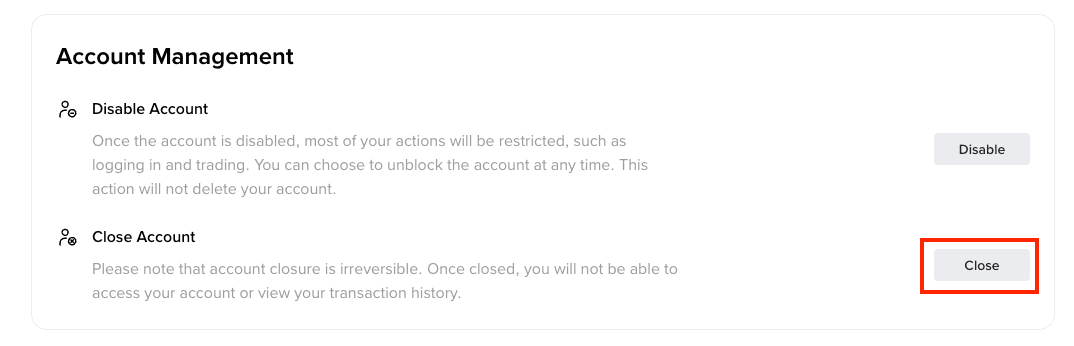
3. Scroll down to [Account Management] and click [Close] next to [Close Account].
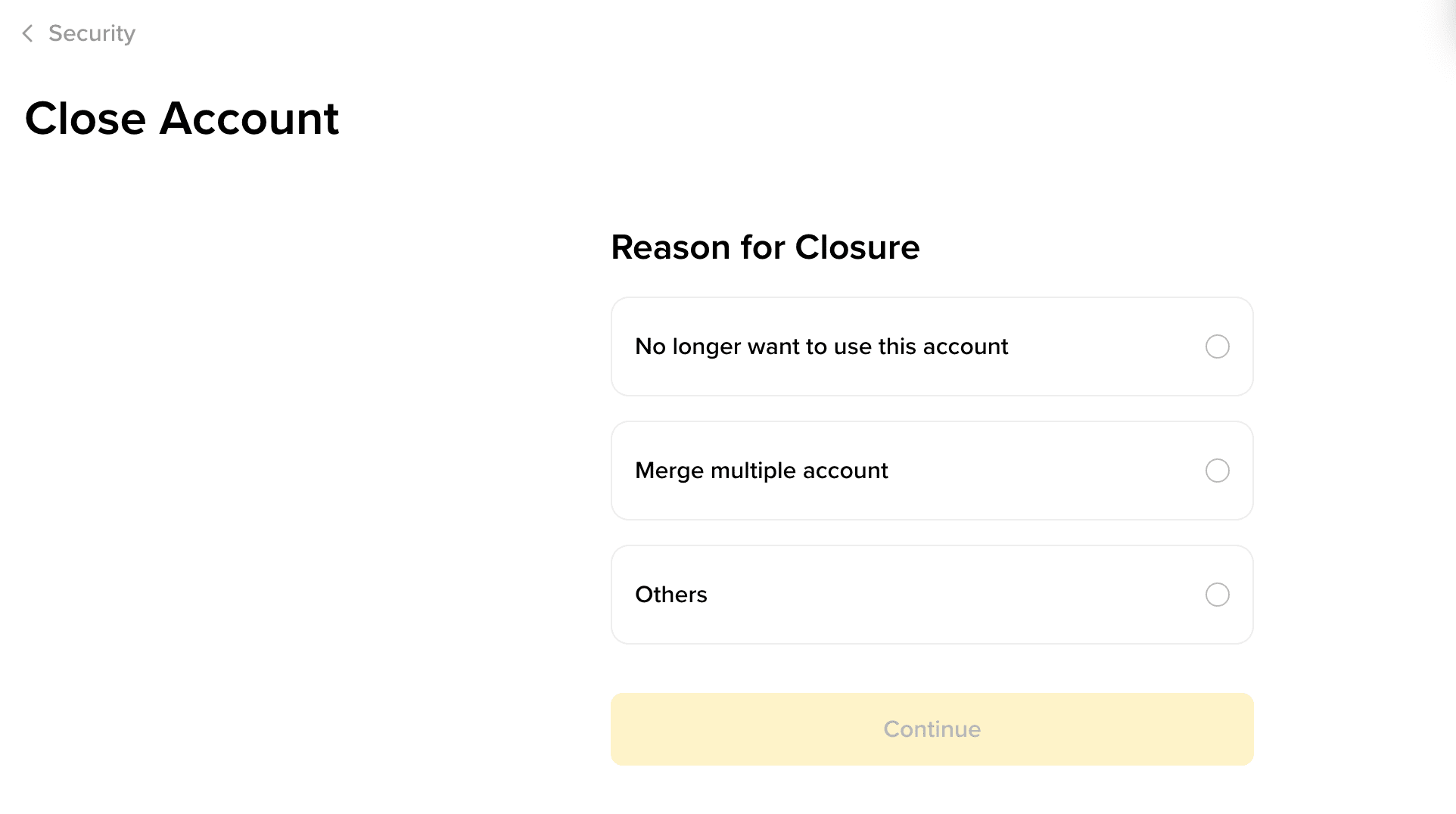
4. Choose a reason for the account closure and click [Continue].
5. Read the terms and conditions carefully and click [Accept & Continue].
6. If you still have assets in your account, you can click [Back] and transfer your assets to another account first. If you don’t, these assets will be lost and cannot be recovered. Check the box to acknowledge it and click [Close Account] to proceed.
7. Complete security verification.
8. Your account has been successfully closed.
Will my personal data be removed alongside my account closure?
While the account can be closed as requested, please be informed that Binance is legally obliged to retain certain sets of your personal data for such a period of time after your account closure as may be (i) required by the applicable laws, such as Anti-Money Laundering and Counter-Terrorism Financing Laws, or (ii) necessary for the exercise of our rights in disputes or claims in relation to any future litigation. Your personal data will be removed as soon as the mandatory retention period stipulated under the applicable laws expire.