You can now deposit Colombian Pesos (COP) to your Binance account using Bre-B on the Binance App and website.
1. Log in to your Binance App and tap [Add Funds] - [Deposit]. Select the deposit method as [Bank Transfer (Bre-B)].
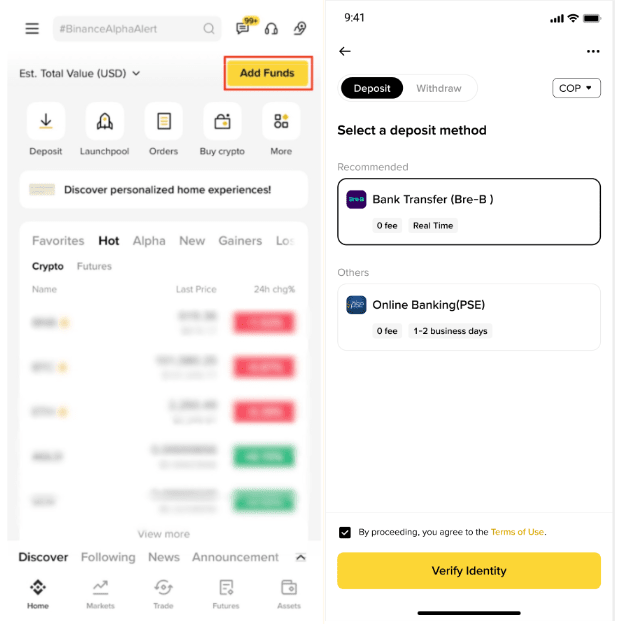
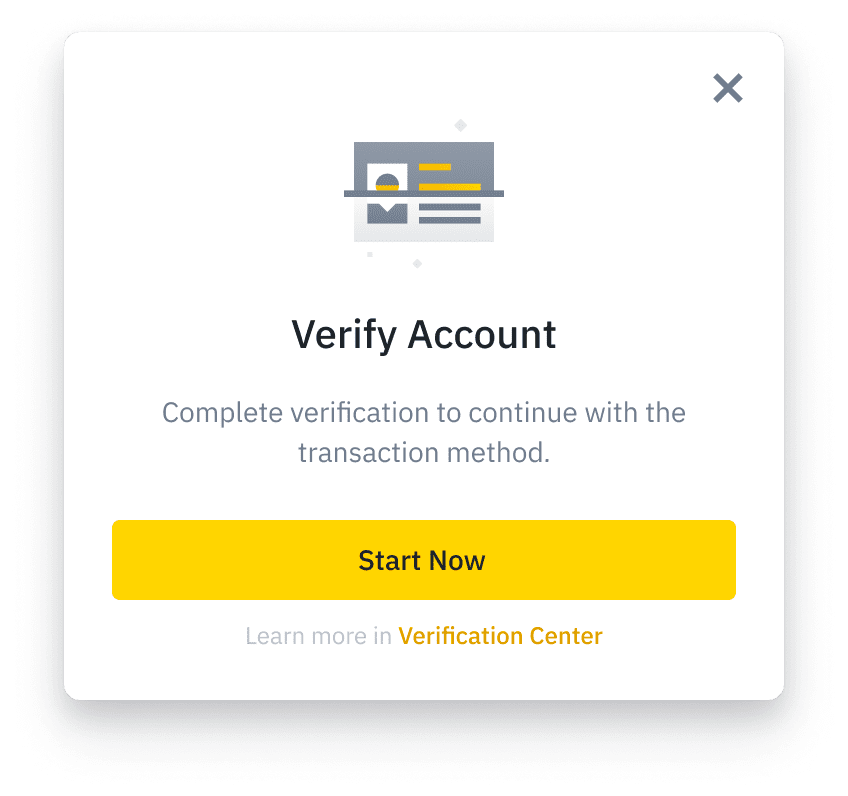
2. If you haven’t completed the identity verification for your Binance account, you’ll be prompted to do so at this step. Tap [Start Now] to continue.
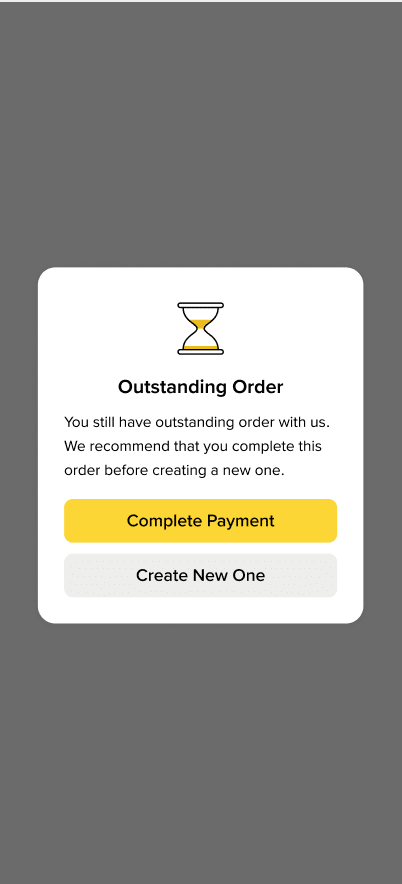
3. If you still have outstanding order with us, please consider completing the payment before creating a new one.
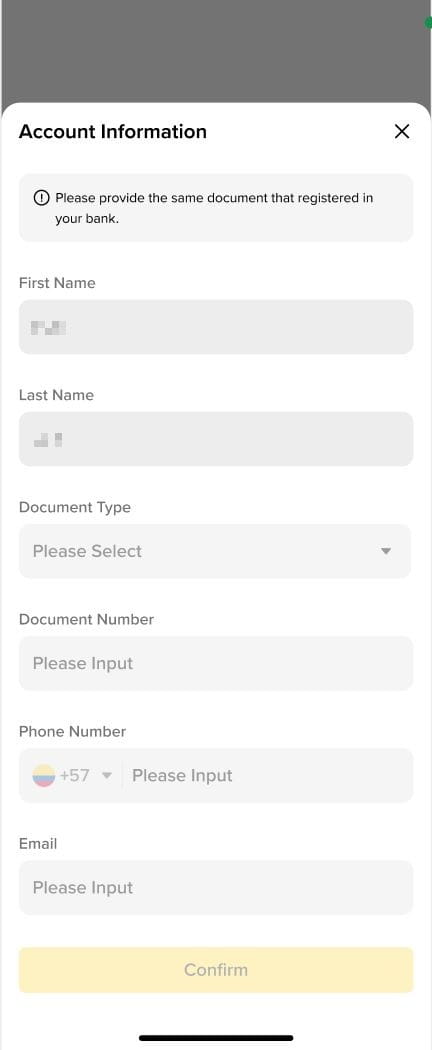
4. You may also be required to fill additional account information for the deposit to proceed.
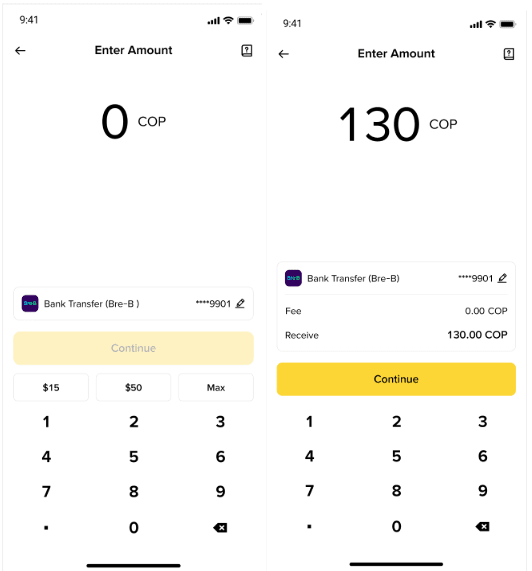
5. Enter the amount you would like to deposit and confirm the order.
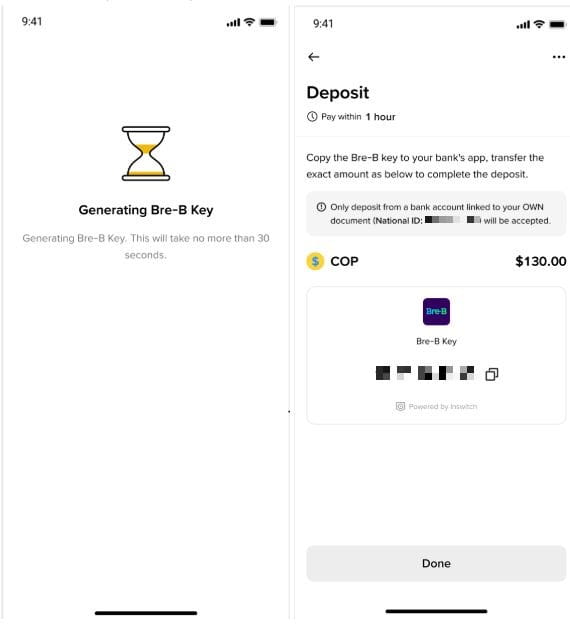
6. Copy your generated Bre-B key to your bank’s app, transfer the exact amount as you entered to complete the deposit. The deposit key is valid for 1 hour.
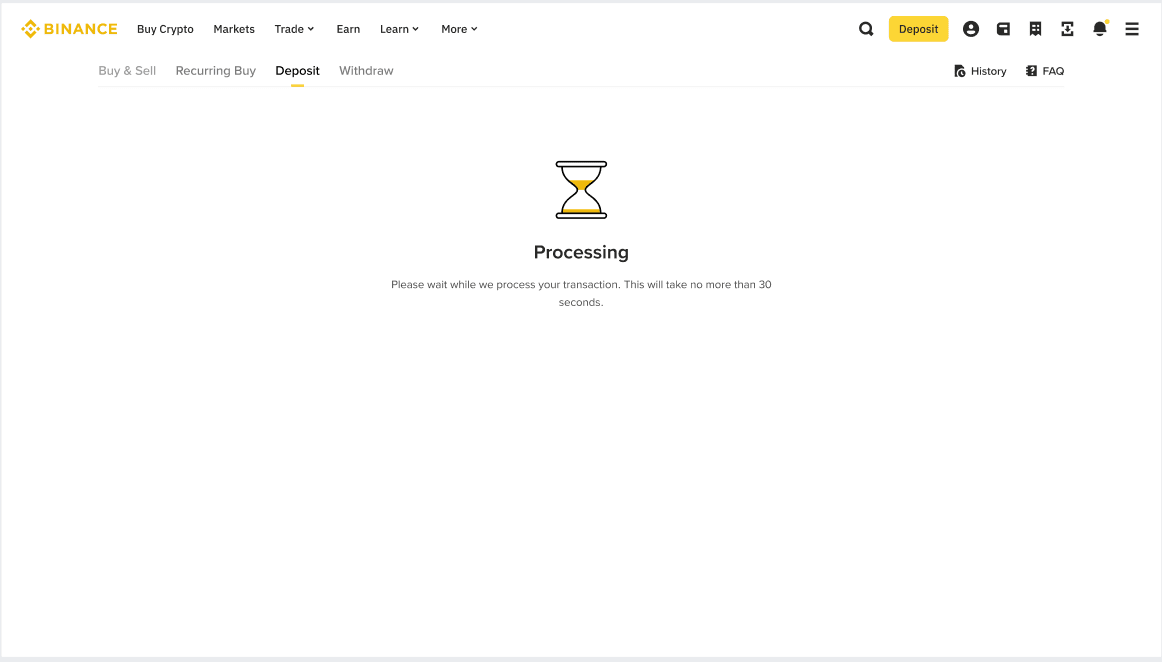
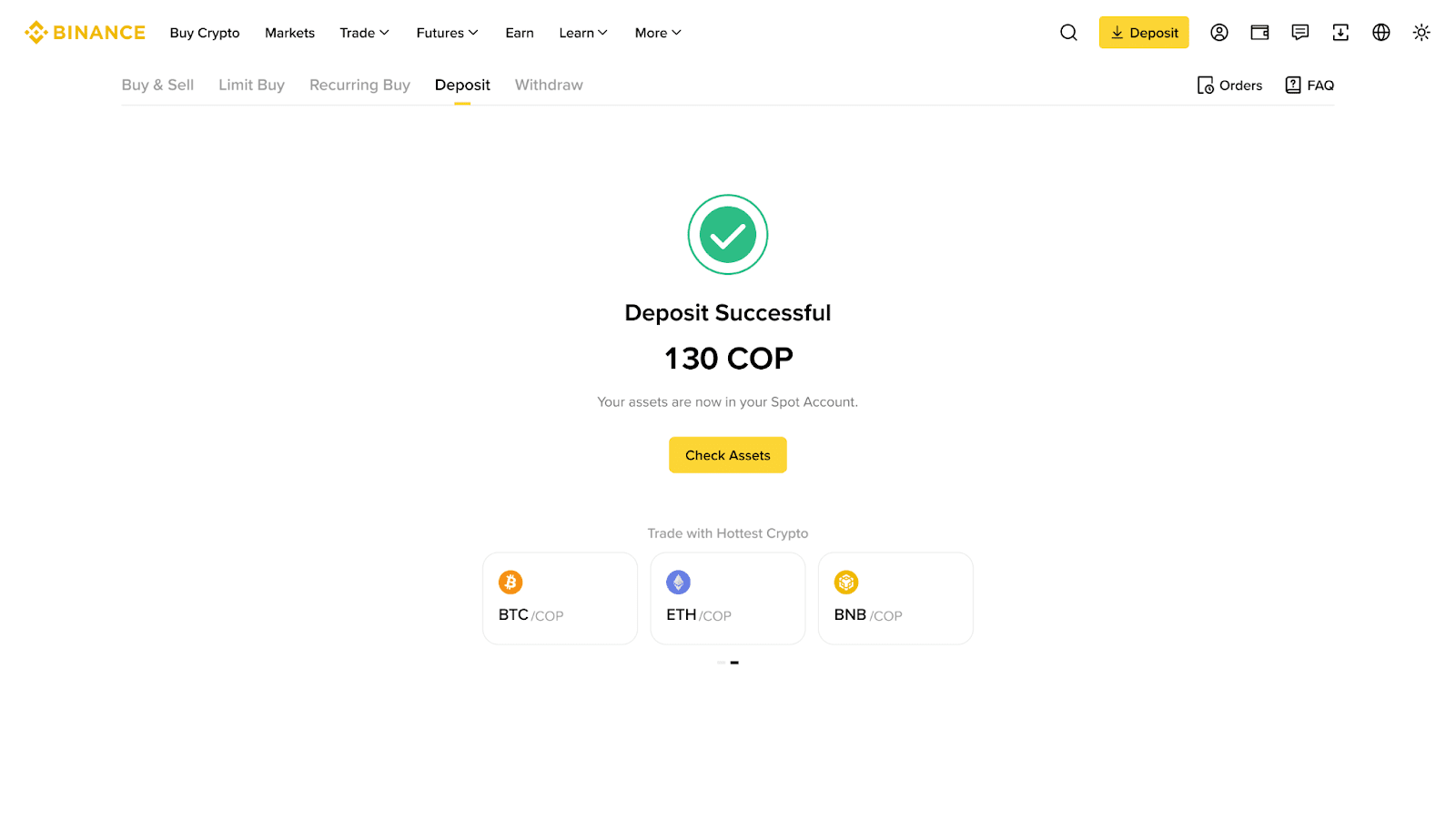
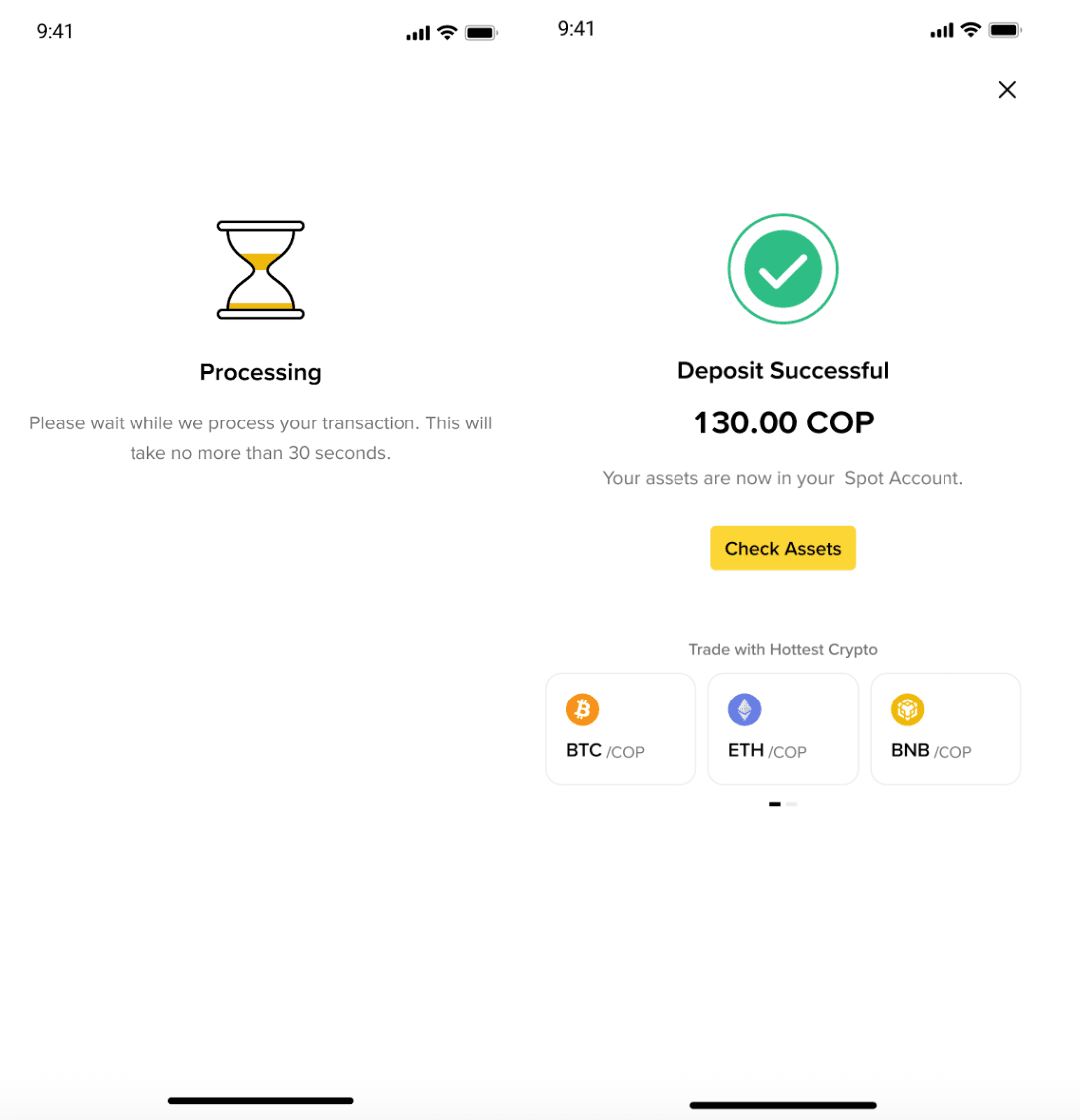
7. Please allow some time for the payment to be processed. Once the funds are confirmed, your money will be credited to your account.
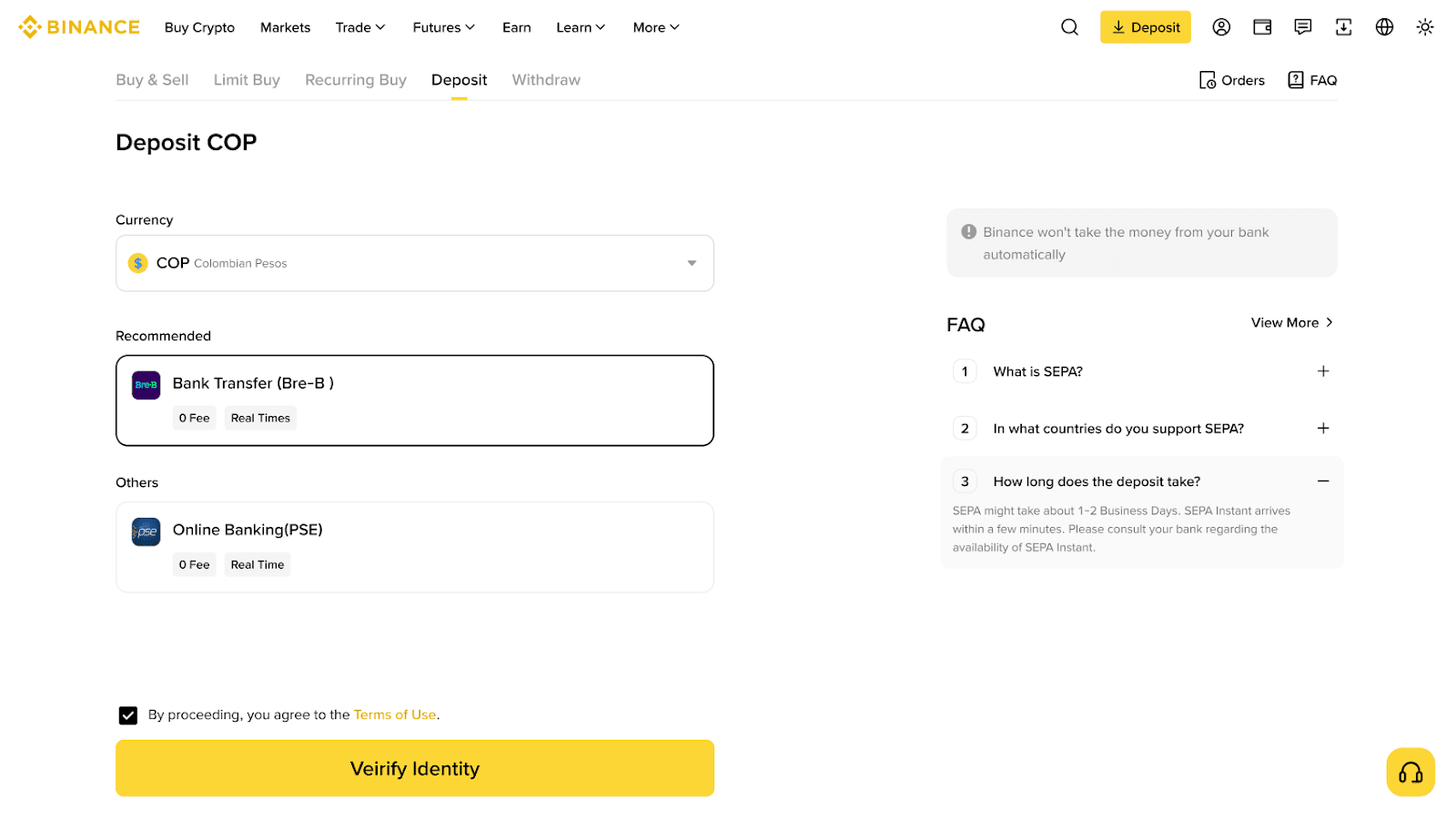
1. Log in to your Binance account and go to [Deposit]. Select [COP] and [Bank Transfer (Bre-B)].
2. If you haven’t completed the identity verification for your Binance account, you’ll be prompted to do so at this step. Tap [Start Now] to continue.
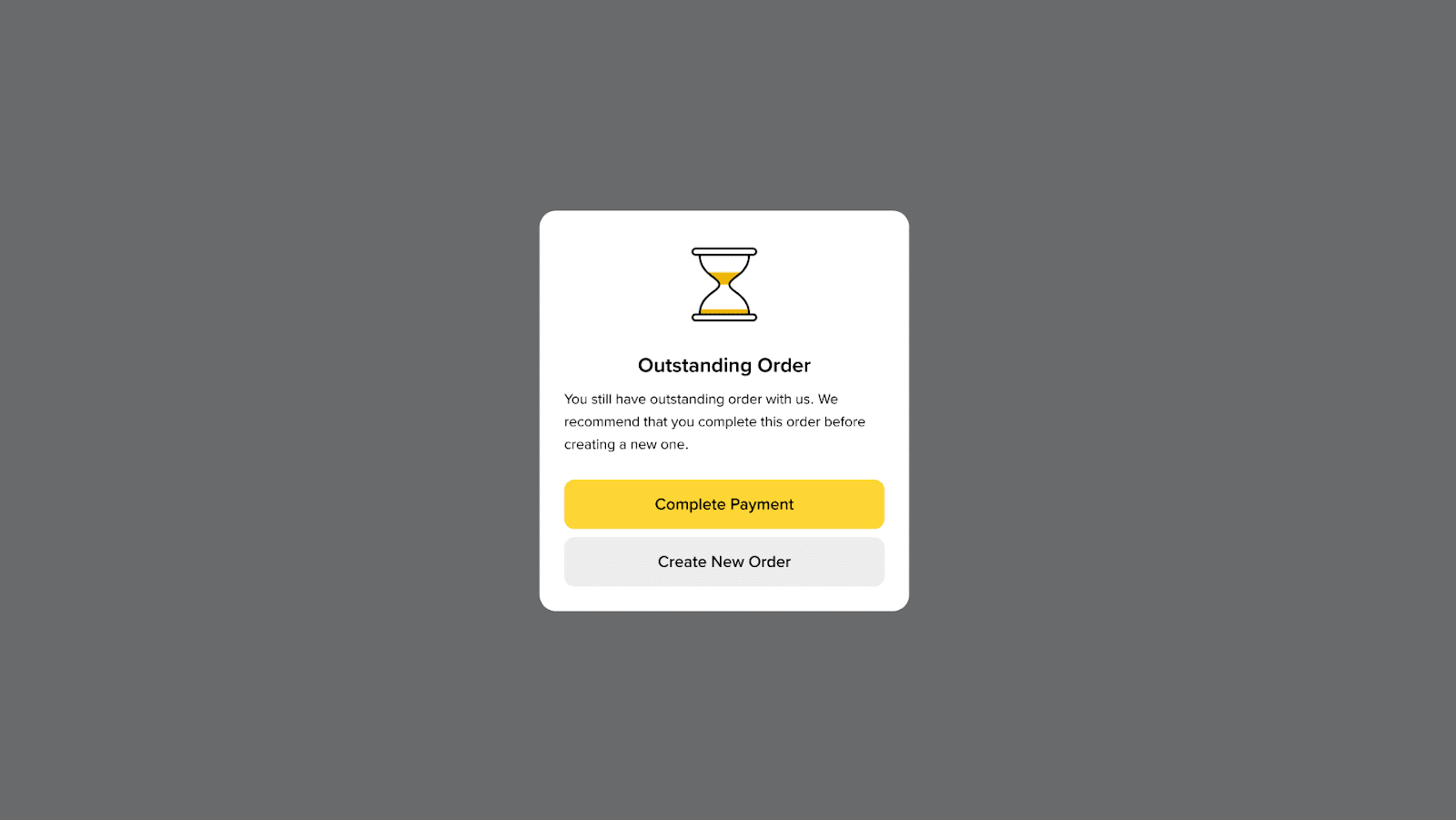
3. If you still have outstanding order with us, please consider completing the payment before creating a new one.
4. You may also be required to fill additional account information for the deposit to proceed.
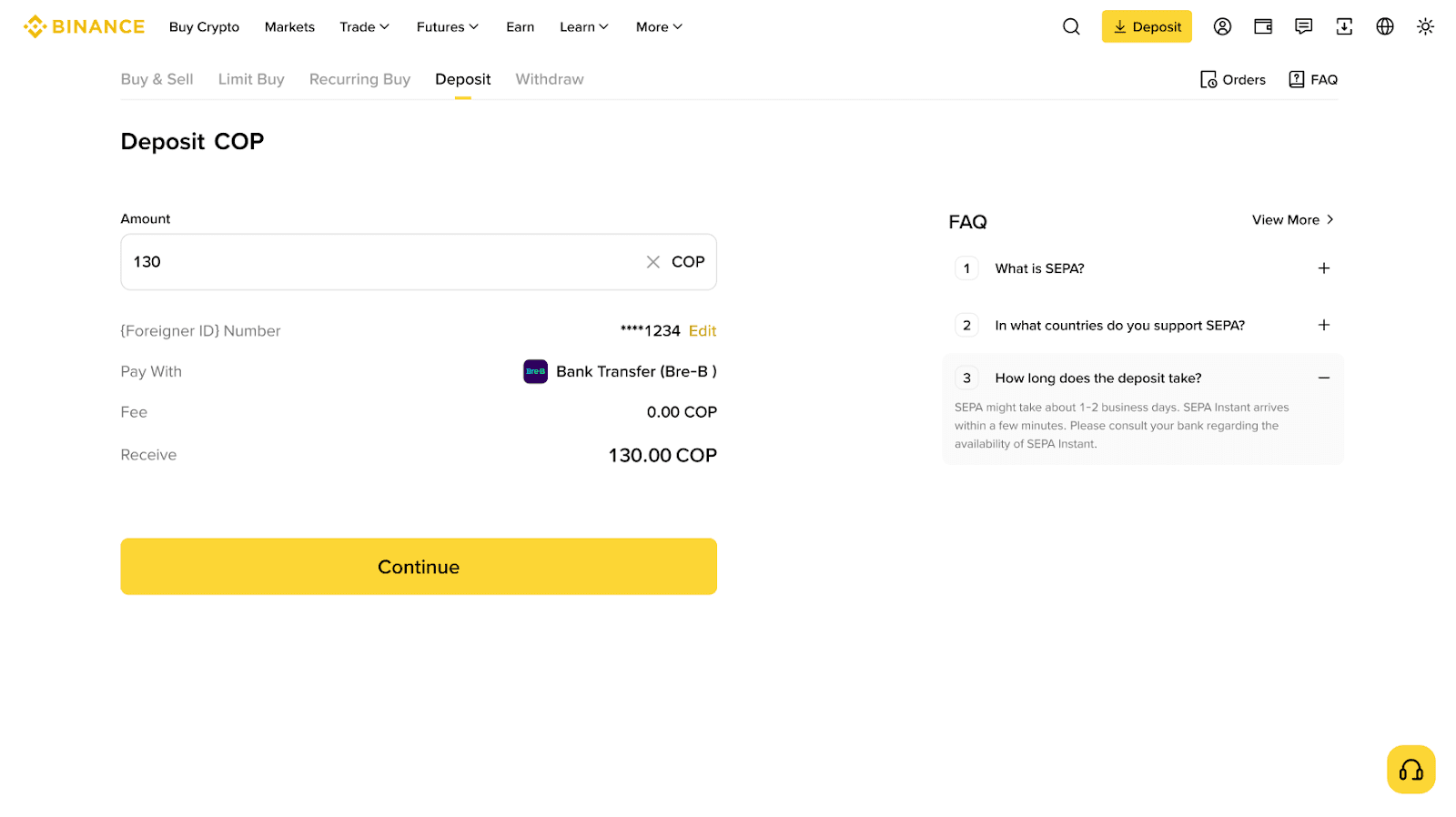
5. Enter the amount you would like to deposit and confirm the order.
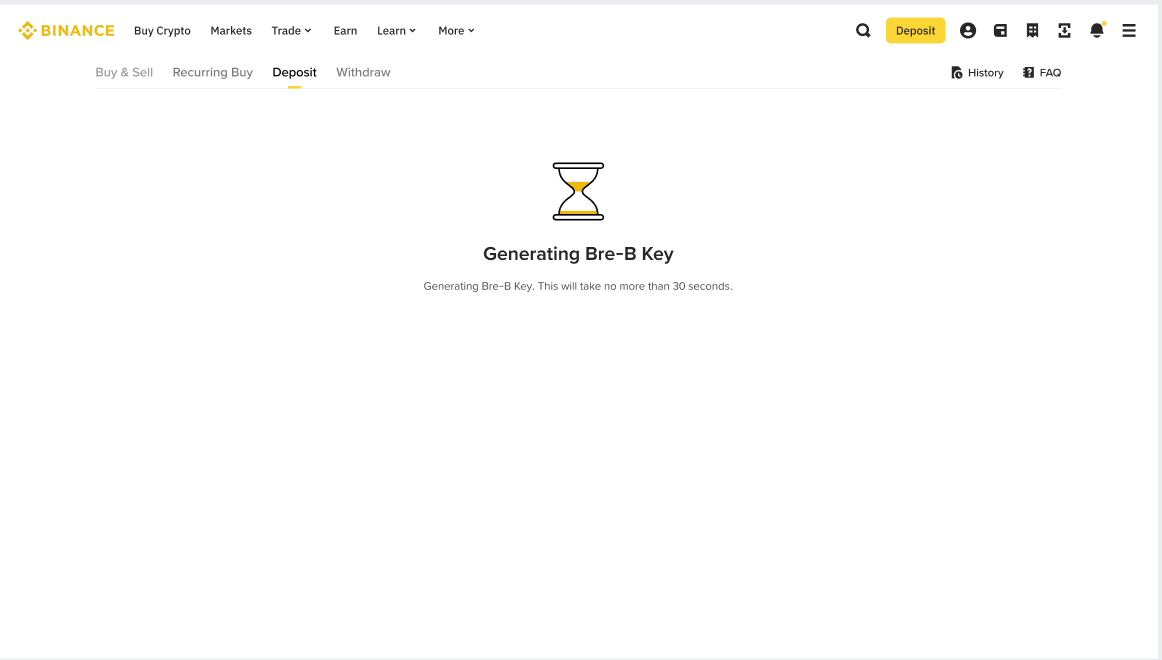
6. Copy your generated Bre-B key to your bank’s app, transfer the exact amount as you entered to complete the deposit. The deposit key is valid for 1 hour.
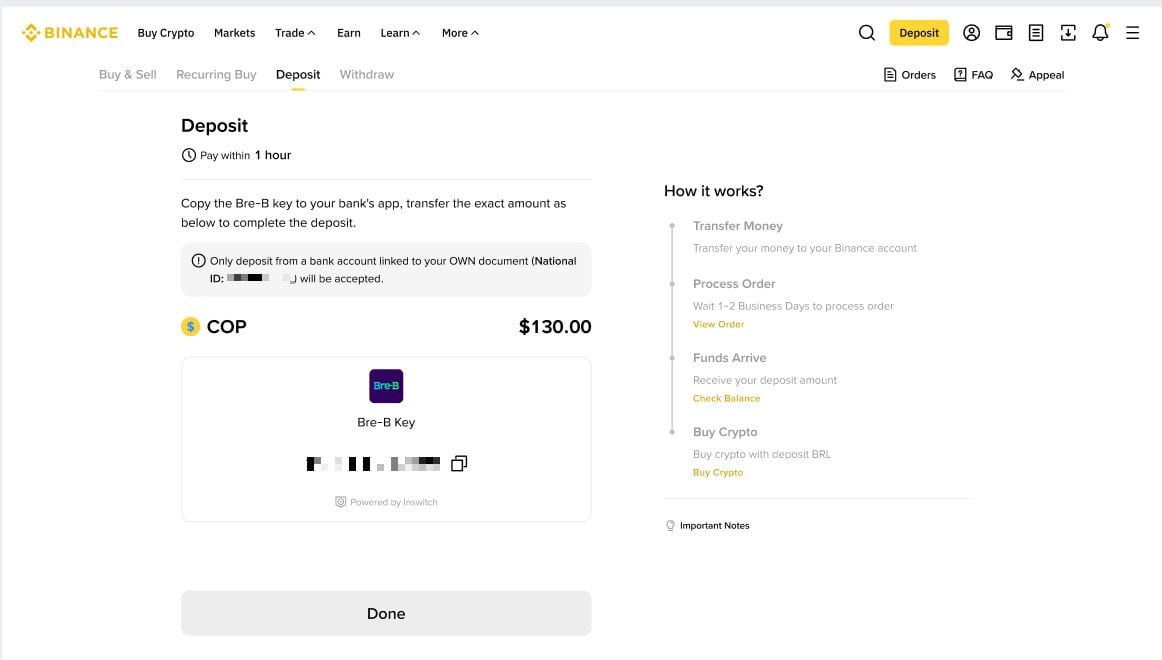
7. Please allow some time for the payment to be processed. Once the funds are confirmed, your money will be credited to your account.