Note: For users with a Certificate of Residence (COR) in AE, AU, BH, BR, CY, IN, JP, KW, KZ, OM, QA, RU, SA, TR, or ZA, please scroll directly to the section on updating identity below.
You can access the “Update Identity” flow through any of the following methods and follow the instructions to complete the process:
1. Log in to your Binance account and head to this page to start the process.
2. Verification Center:
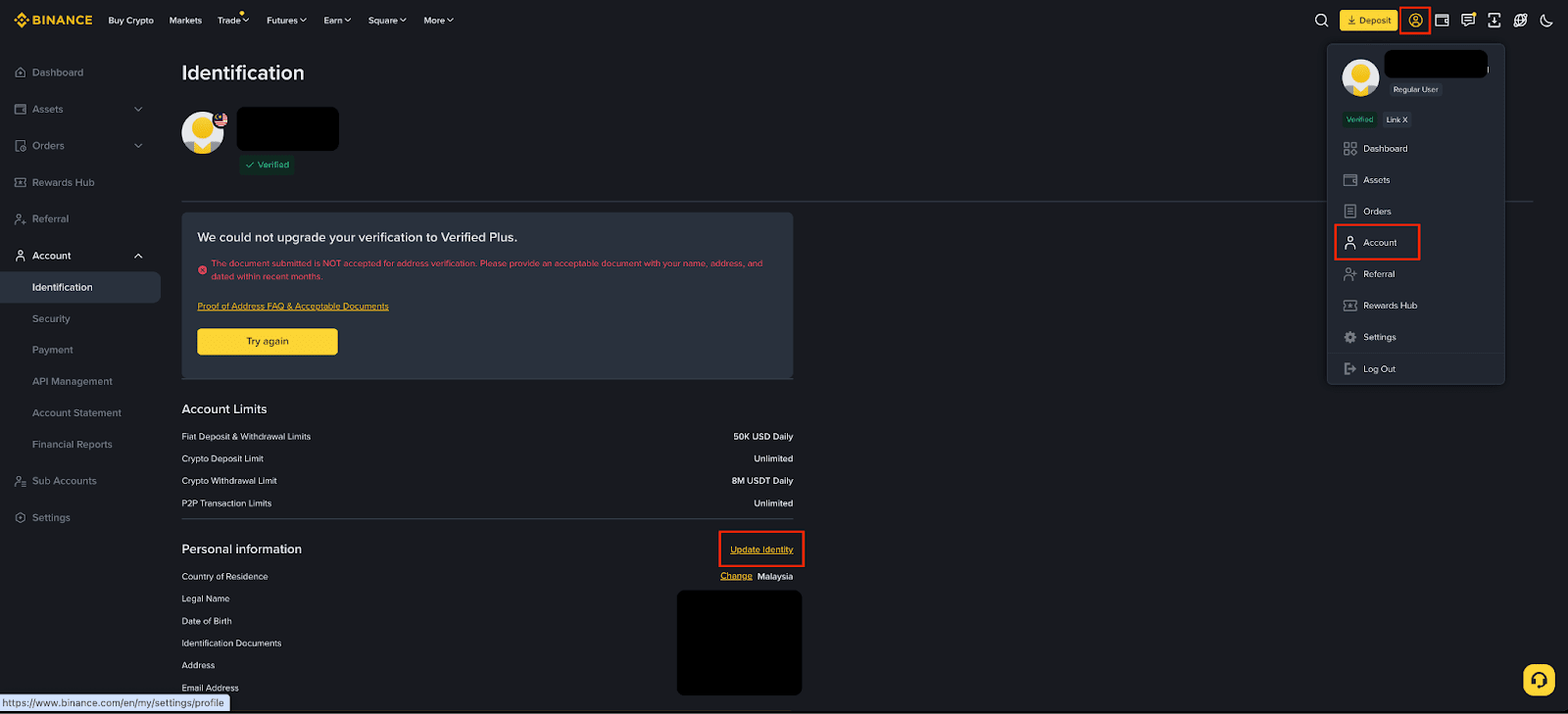
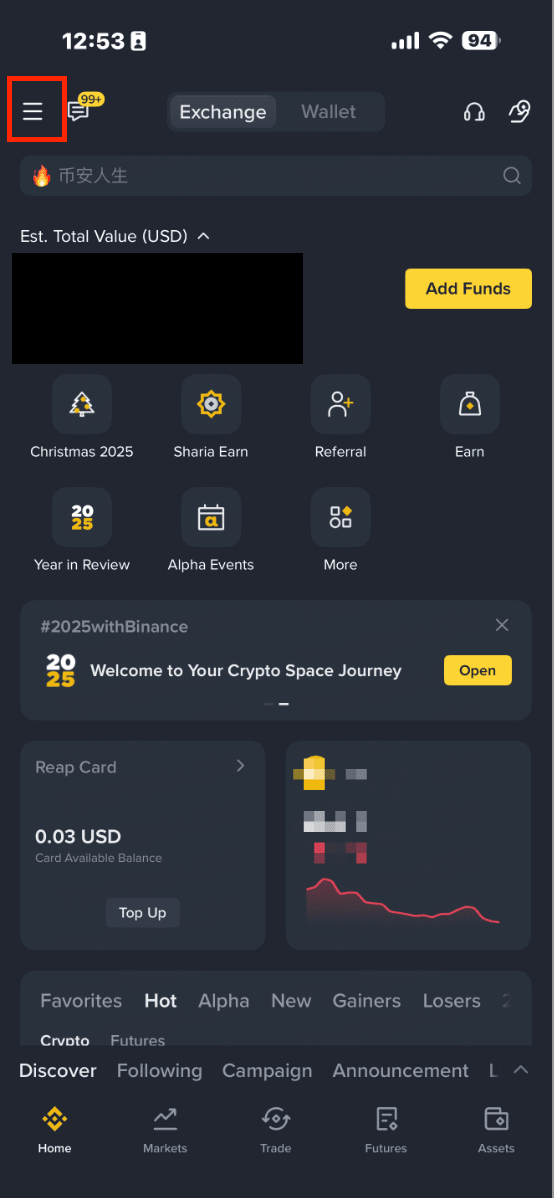
a. On the home page, tap on this icon.
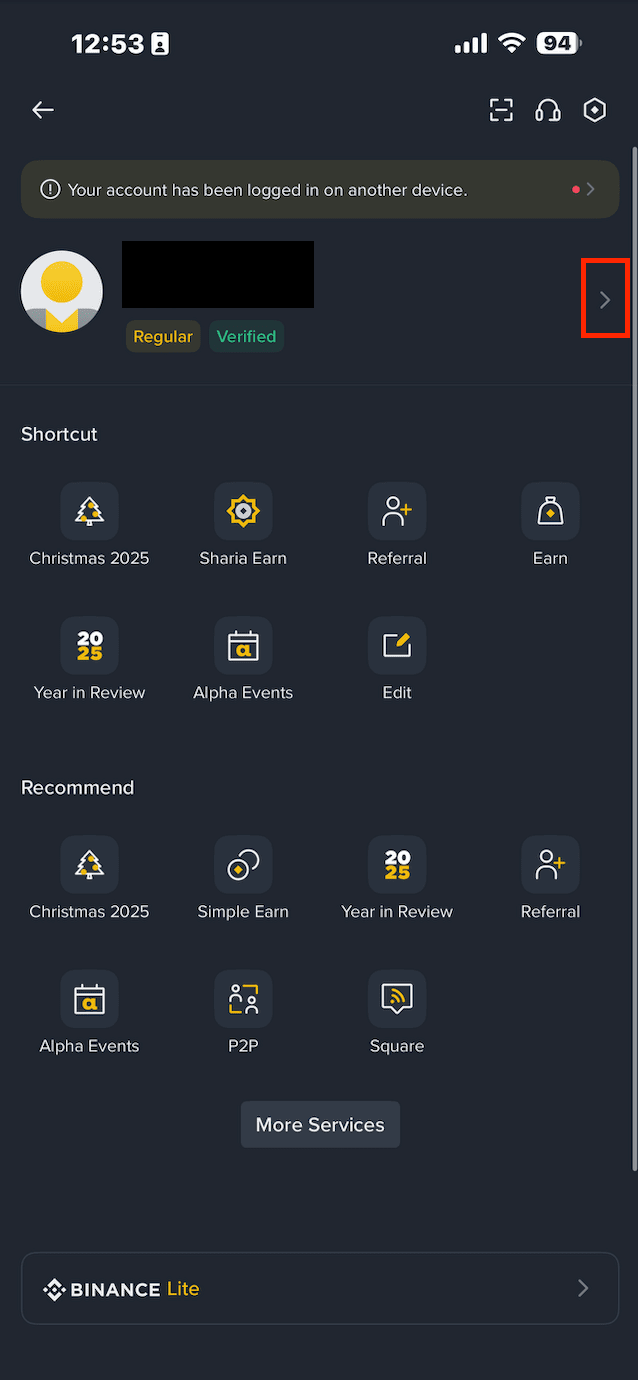
b. Next, tap [>] to access your account information.
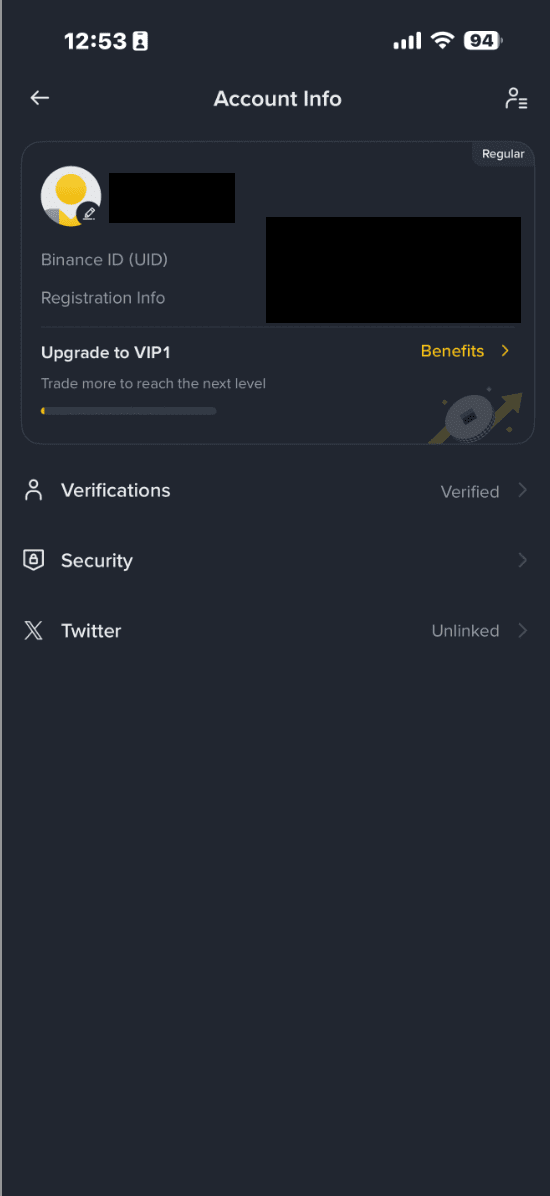
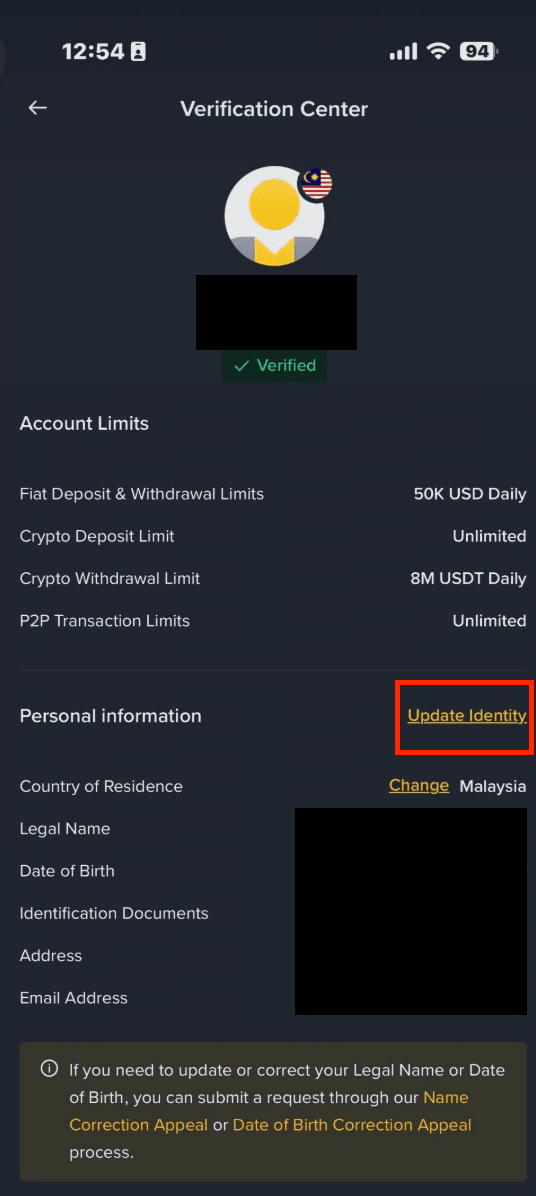
Note: For AE, AU, BH, BR, CY, IN, JP, KW, KZ, OM, QA, RU, SA, TR, ZA users, you may click on the link [Click here to reset KYC].
Please note, upon declaring to update your KYC materials, your account will be restricted to “Withdrawal Only” mode until all of your new information has been submitted and verified.
1. Select the reason for the update and read the declaration carefully. Then, check the [I understand and agree to the declaration] box and click [Confirm Update].
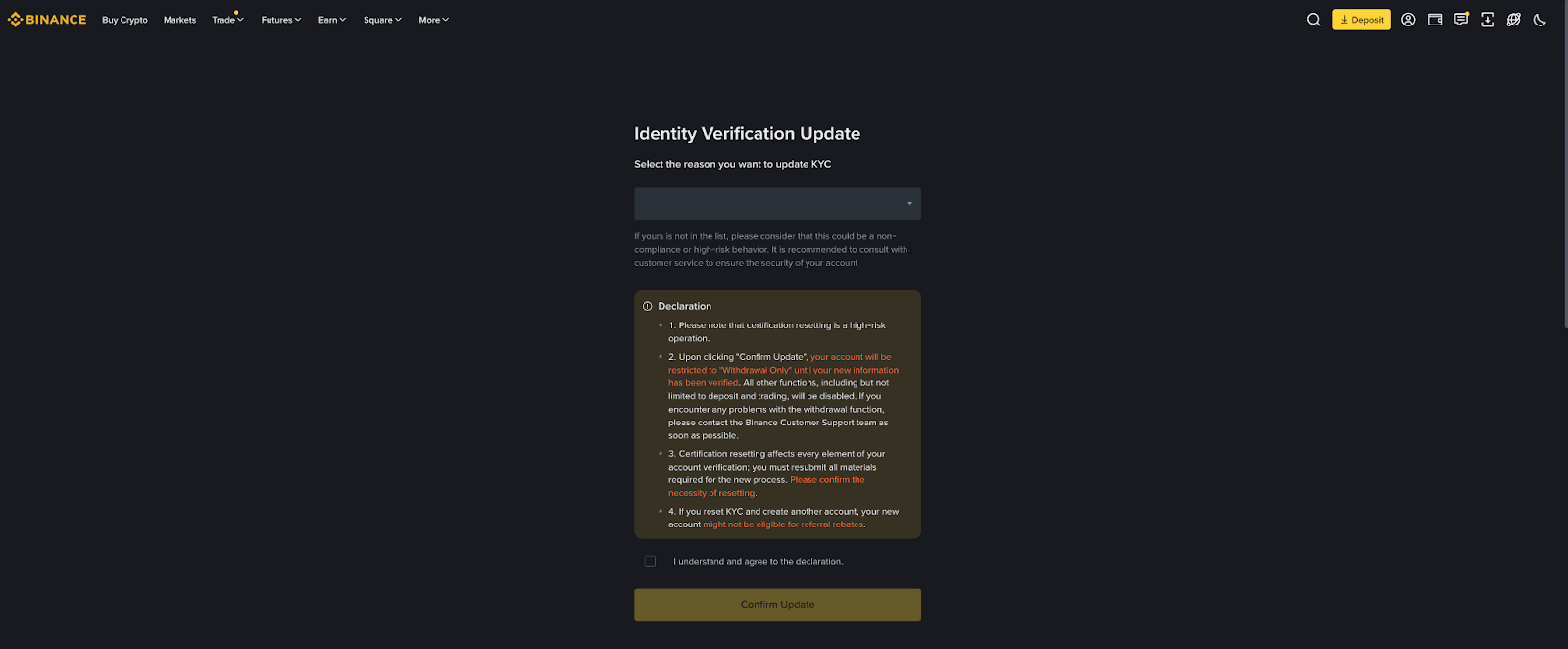
If the reason for your update is not on the drop-down list provided, please consult with our customer service team.
2. Follow the instructions to proceed and complete the process.
3. You will receive an email notification once the system review is complete. Thereafter, you can proceed to submit your KYC verification again.
For more details on how to verify your Binance account, please refer to How to Complete Identity Verification.
Important note: If you are unable to proceed with updating your verified identity, kindly reach out to Binance Support for assistance.
