
In Binance's P2P there are many quick buttons for specific problems: payment not received, user not responding, order in dispute, etc. But… not all problems fit into those options.
Sometimes the case is different, out of the ordinary, or simply the correct button does not appear. That's where Binance's direct support comes in.
That's why I decided to show the newcomers the exact way to talk to support, step by step.
Step 1: Go to your P2P profile
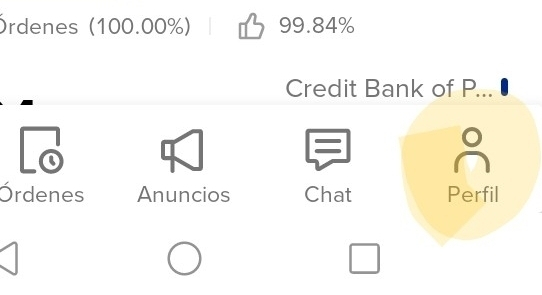
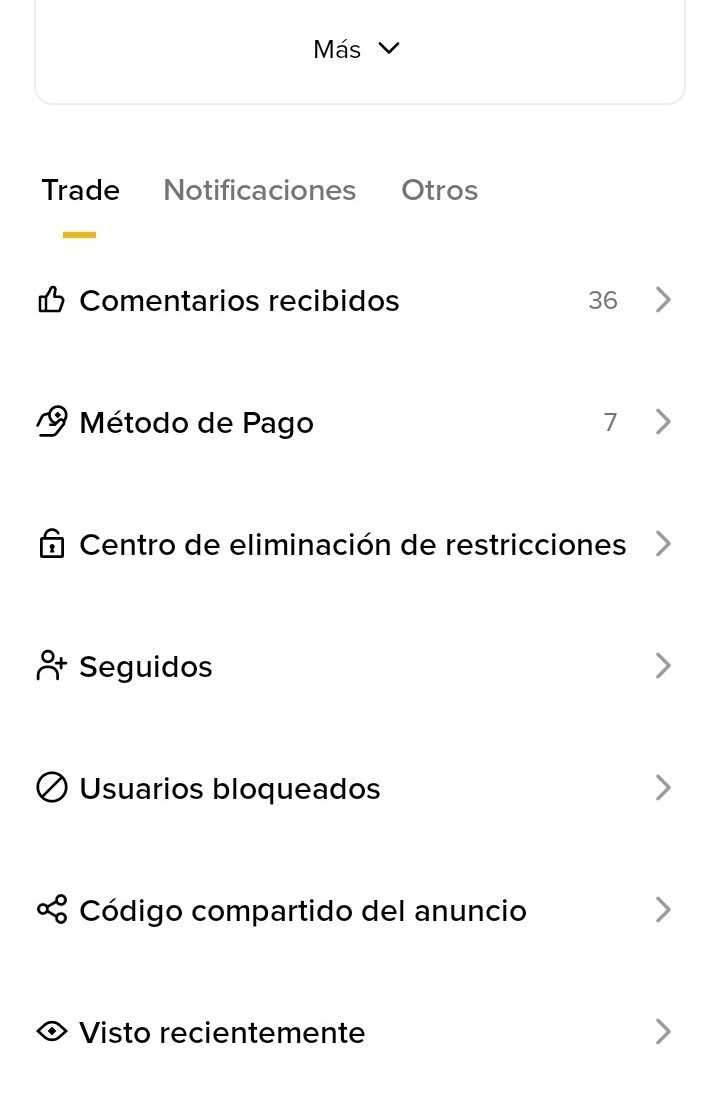
From P2P, tap your profile. Here you can see:
Average payment time
Received comments
Payment methods
Important accesses related to your P2P activity
This is the starting point.
Step 2: Go to the 'Others' tab
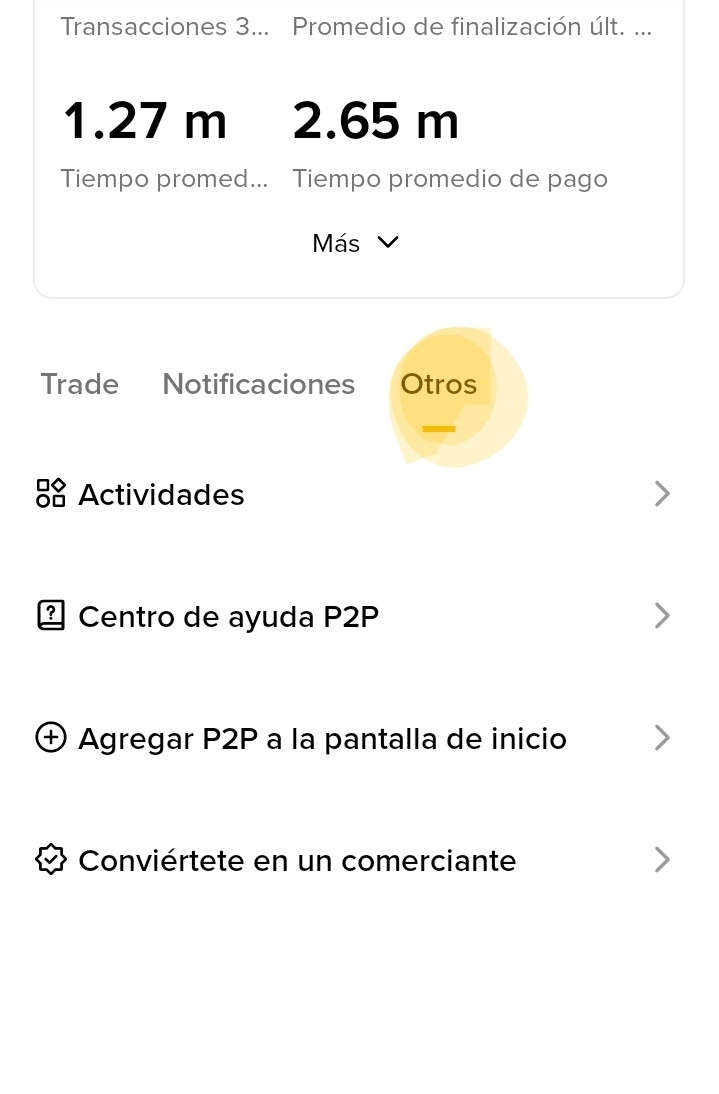
Within the profile, switch to the Others tab. Here you will find key options, including:
👉 P2P Help Center
From here Binance directs you to the appropriate support according to your problem.
Step 3: Access Binance support
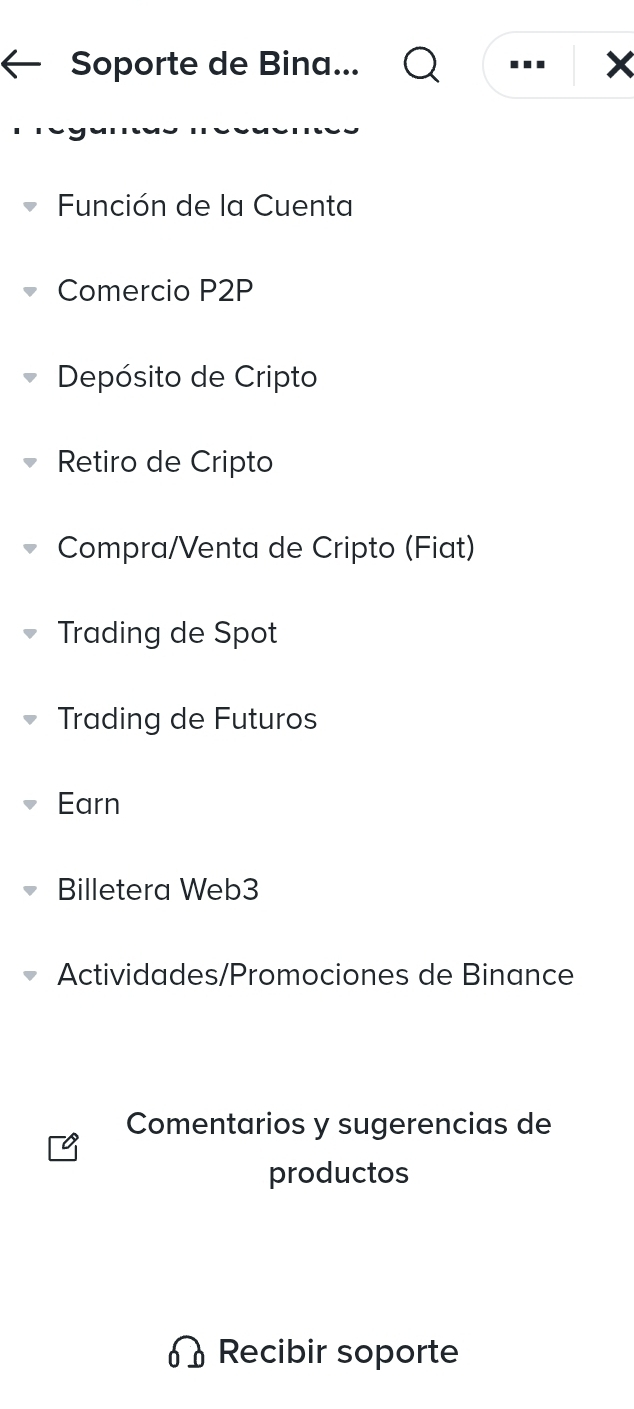
When entering the help center you will see different categories:
Account function
P2P Trading
Deposits and withdrawals
Spot, Futures, Earn, etc.
If your problem does not fit into an automatic option, continue until you contact support. Go to: RECEIVE SUPPORT
Step 4: Case opened with support (direct chat)
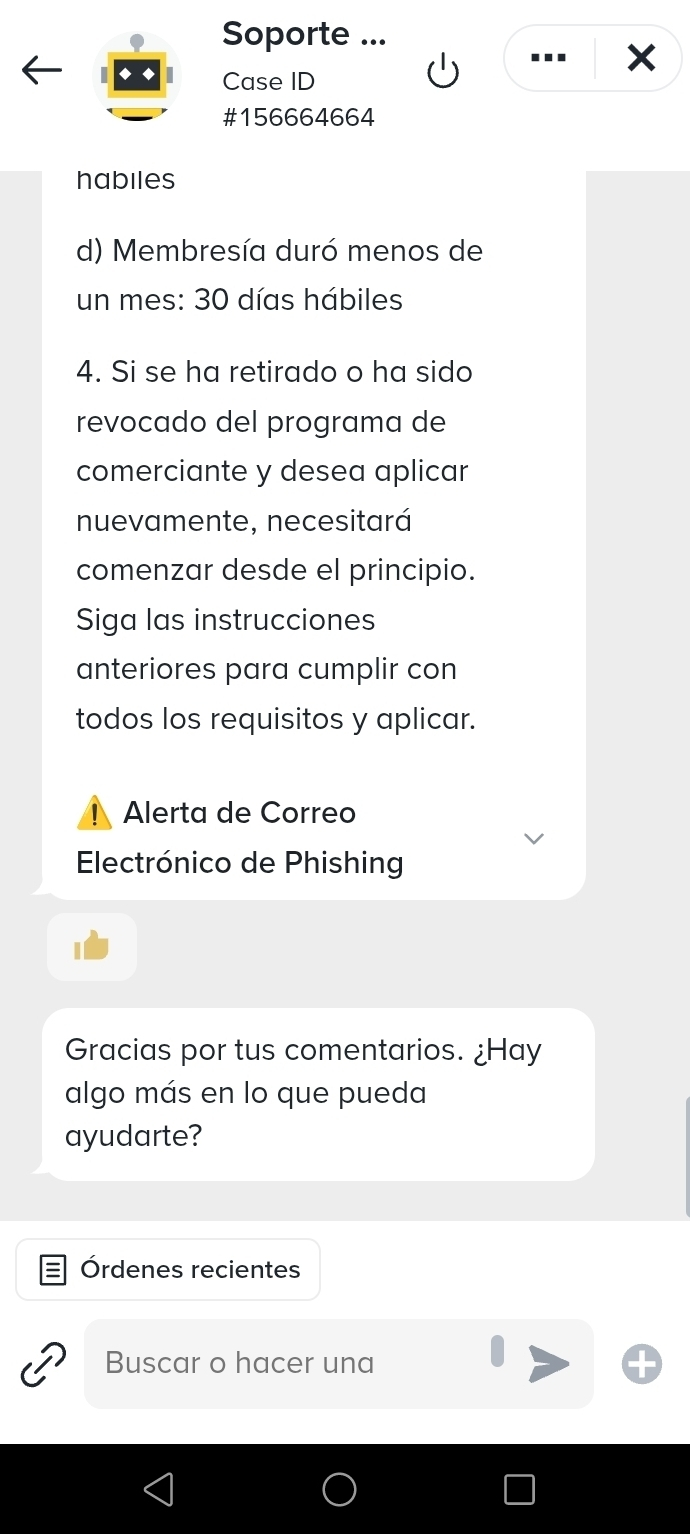
Here you are already talking directly with support.
A Case ID is created, they review your situation and respond based on your specific case.
This step is key when:
There is no button for your problem
The automatic system does not resolve
You need a manual review
Conclusion
Not all problems in P2P are solved with a button. Knowing how to reach direct support saves you time, stress, and mistakes. That's why, if you're starting in P2P, learn this path from day one.
